
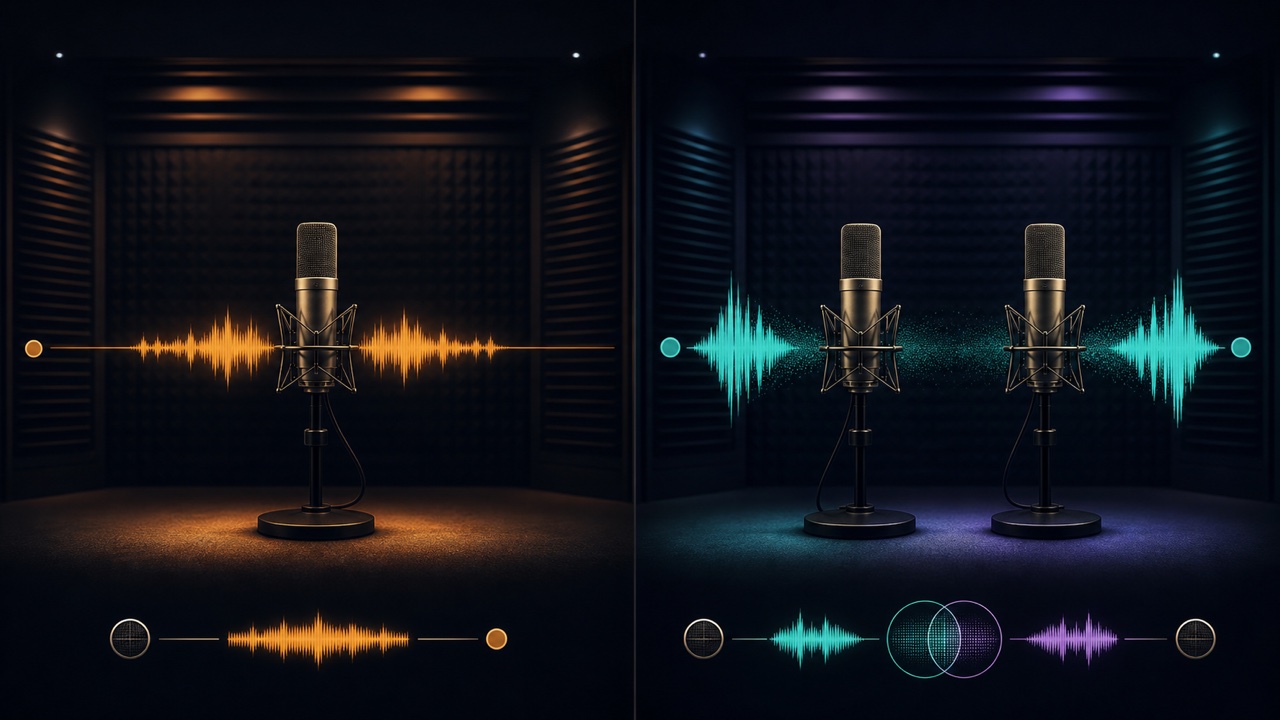
Choosing between mono and stereo recording is not about which one has better sound quality. It depends on whether you need to capture differences between the left and right channels. Recording a signal from one microphone or one guitar cable onto a stereo track does not create natural width.
Mono Captures One Sound Position
Mono is single-channel audio. It is well suited to capturing the center of one sound source, such as vocals, narration, a bass DI, or a guitar amp recorded with one microphone.
It is easy to position freely from left to right with panning during mixing, and a mono file also takes up less storage space than a stereo file.
Stereo Captures Differences Between Left and Right
Stereo uses differences between two channels to represent width and direction. It is used for keyboards with stereo outputs, pianos and drums recorded with two microphones, and ambient sound that captures an entire space.
“Dual mono,” with the same signal on both sides, may look like stereo but contains no width information.
Record Vocals and Narration in Mono by Default
If you are recording one voice with one microphone, choose a mono track. Recording in stereo may put the signal on only one side and require conversion later. You can create width after recording with double tracking, reverb, or delay.
Stereo may be suitable when recording several people across a room or when you want to preserve a sense of the surrounding space.
Choose for Guitar and Bass Based on the Connection
A DI recording from a guitar or bass connected with one cable is mono. If you are recording from a stereo-output multi-effects processor that uses different delay or chorus effects on the left and right, record in stereo through two inputs.
When using two channels, check the gain settings, cables, and track assignments for inputs 1 and 2.
Check What a Software Instrument Outputs
Piano and synthesizer software instruments may have stereo outputs because of their internal microphone positions, chorus, or reverb. A sub-bass or single-note lead, however, may be easier to mix when it is closer to mono.
Do not keep a track in stereo simply because that is its current format. Listen and decide whether the song needs the left-right information.
Check Phase and Mono Compatibility in Stereo Recordings
When the same sound reaches two microphones at different times, it may become thin when the left and right channels are combined into mono. After recording, check not only the stereo sound but also whether the low end or body disappears in mono playback.
The underlying principle is explained in phase. For a practical check, see “How to Identify Phase Problems with Multiple Microphones and DI Recordings”.
When in Doubt, Return to the Number of Inputs and the Purpose
- One microphone, one cable, or a sound placed in the center: mono
- Two microphones, left and right outputs, or spatial width: stereo
- If you cannot decide: make short recordings both ways and compare them in mono as well
For an ambient recording example, also see “What to Know When Recording Ambient Sounds for Music and Sound Effects”.
