
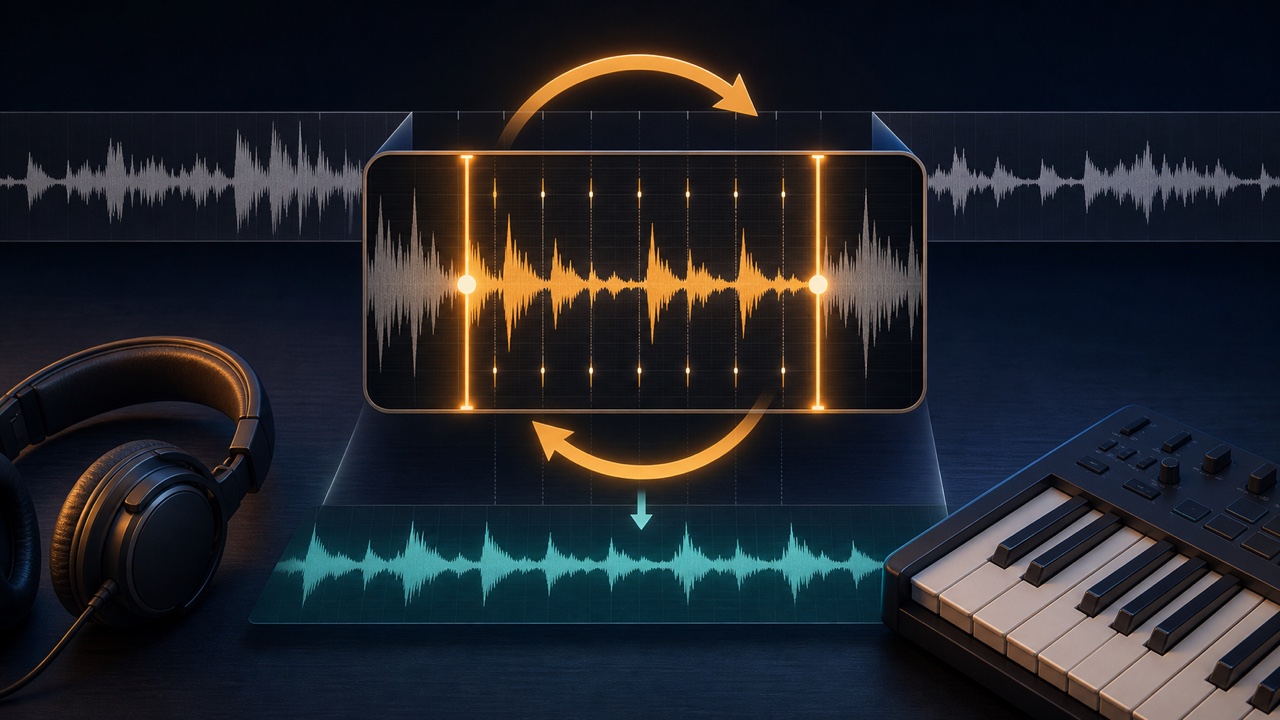
If you repeatedly search through an entire song for a phrase that is difficult to transcribe by ear, simply finding the playback position interrupts your concentration. Extracting a short section and repeating it under the same conditions lets you focus in turn on the rhythm, melodic contour, and individual pitches.
Choose a length that suits your goal so the excerpt is not so short that you lose the surrounding chords or beat.
Start with One to Four Measures
Start with one or two measures for a fast single-note phrase, or two to four measures for a chord progression or drum pattern. Do not cut exactly at the first note. Leaving a little of the preceding count or accompaniment makes the entrance easier to anticipate.
Divide a long phrase into a first and second half, then check the complete phrase at the end.
Use the Waveform to Extract the Section You Need
Load the song into “Trim Audio to Any Range” and audition the start and end points as you set them. Avoid cutting off too much of the transient, the initial attack of a sound, and find an endpoint that does not include too much of the next measure.
For a practice excerpt, prioritize hearing the beat and phrase accurately over making the standalone file sound like a polished, natural performance.
Prioritize the Beat over a Seamless Loop
Use loop playback in your DAW or player and check that each repetition returns to the same beat. A long crossfade can overlap the attack or final note and lead to incorrect transcription decisions.
If you hear a click, use a very short fade that does not alter the performed section more than necessary.
Listen for Rhythm, Contour, and Pitch in That Order
- Count how many notes there are and identify the beat on which each one occurs
- Identify the contour: notes moving up, moving down, or repeating at the same pitch
- Find the specific pitches on your instrument or a keyboard
- Check nuances such as note lengths, rests, and slides
Rather than trying to name every note from the start, switch the element you are listening for to reduce ear fatigue.
Slow Fast Phrases Down Slightly
Use “Change Tempo” to slow the phrase to about 70–90% while preserving its pitch. Find a speed at which the attacks become distinct, then return to the original tempo after you can hear the phrase.
Extreme slowing stretches sounds and can make their nuances seem different, so comparing two or three versions at different speeds is effective.
Focus Only on the Part You Want to Hear
If other instruments mask the part, use the “Stem Splitter” to separate the stems. Alternate among the isolated target part, a version with the other parts turned down, and the original recording.
Separated audio can contain missing or smeared sounds, so return to the original track to confirm subtle pitches and timing.
Place Your Candidate in the DAW and Play It with the Original
Layer the MIDI or audio you transcribed over the extracted section of the original. Listen for attacks that sound doubled, notes that clash with the chord, and notes that sustain too long.
If you are uncertain, keep candidates A and B on separate tracks and listen again the next day. Repeating the same sound for too long can make your ears adapt and make differences harder to judge.
Include the Section and Processing in the File Name
Include the location, length, and tempo in a name such as “SongTitle_PreChorus_4Measures_80Percent.” Organizing the original, excerpt, slowed version, and stem version in the same folder makes it easy to resume later.
For the full transcription process, see “A More Efficient Workflow and Tools for Transcribing Music by Ear”. To focus specifically on drums, also see “How to Transcribe Drums by Ear”.
