
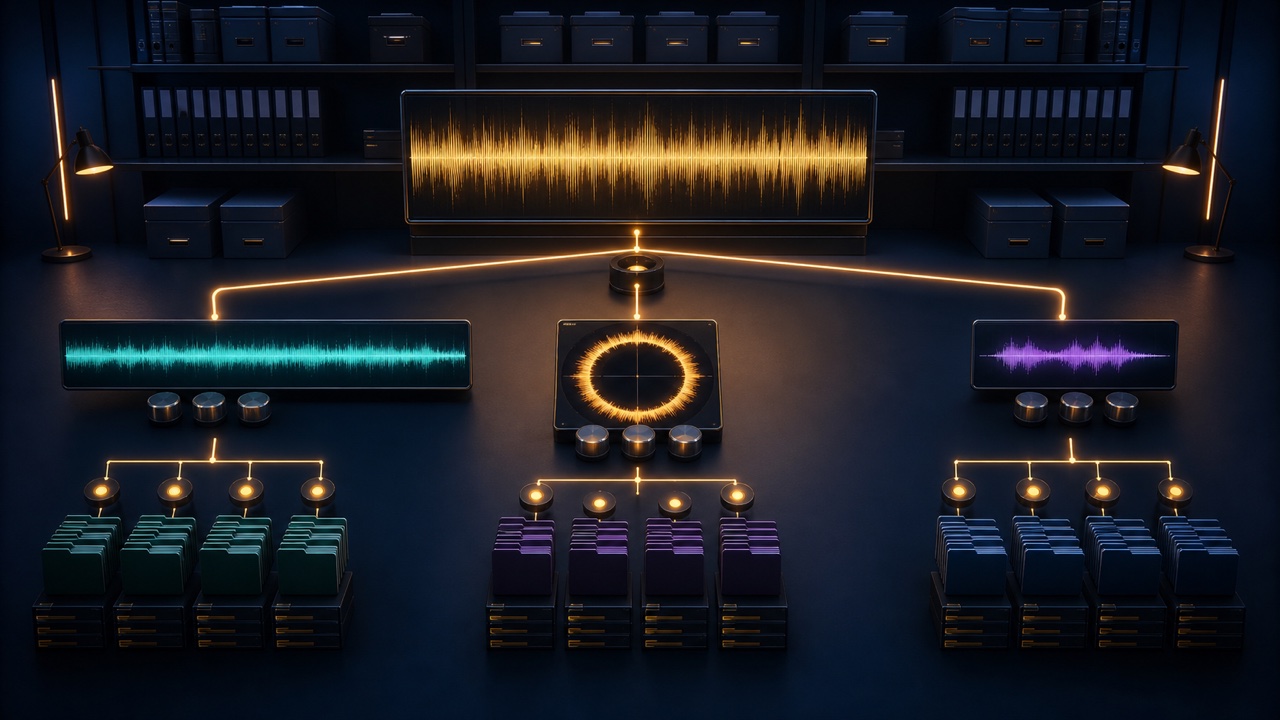
Once you export a full version, looping version, 15-second, 30-second, and 60-second versions, and stems from a single track, it can become difficult to tell which files are current. In particular, delivering an outdated short version after correcting only the full mix is a file-management problem, not a musical one.
Choose one “parent” that every derivative version can return to as its common reference.
Use the Full-Length Master as the Reference
Make the project where you finalize the sounds, performances, and basic mix the parent, and assign it a version number before creating derivative versions. If you correct a sound only in a short version, the change will not carry over to the others, so make shared corrections in the parent project.
Another manageable approach is to create the looping and short versions from the latest stereo mix or stems exported from the parent.
Separate Projects or Alternatives by Purpose
You can keep the full, looping, and short versions in separate alternatives or dedicated tracks within the same DAW project, or duplicate the project for each derivative version. In either case, make sure the export ranges for every version are not active at the same time.
For projects with frequent large revisions, keep the shared source material in one place. If the only changes are minor duration edits, placing markers for each version in a single project may be easier to manage.
Use a Consistent Folder Structure Based on Purpose
- 01_project: DAW projects
- 02_source: Latest stereo mixes, stems, and source material
- 03_review: MP3 files for review
- 04_delivery: Files that will actually be delivered
- archive: Previous versions
Put only the files you intend to send in the delivery folder. If you retain older versions, move them to a separate folder so no one has to choose among them in the same location.
Name Files in the Order of Track, Purpose, and Version Number
Keep the shared portion and purpose consistent with names such as “song_full_v03,” “song_loop_v03,” and “song_30s_v03.” Dates alone cannot distinguish multiple exports made on the same day, so use sequential version numbers as well.
Keep information that does not fit in the file name, such as loop points and BPM, in a separate list.
Identify Every Affected Version Before Making a Revision
Shared revisions such as “turn down the snare” or “replace the melody” affect every version. In contrast, “make the ending of the 30-second version earlier” affects only that version. Record the affected versions in a table before starting, then check them off after completing the work.
After replacing the source audio, render the derivative versions again and listen to them. Do not rely only on the waveform or modification date.
Check Looping and Short Versions Separately
Play a looping version through several cycles to check the transition. For a short version, verify its specified duration, edit points, and ending. Checking only the sound quality of the full version can allow clicks or cut-off reverb tails introduced by the derivative edits to go unnoticed.
For editing techniques, see “How to Create 15-, 30-, and 60-Second Versions of Background Music”. Before delivery, use the “Background Music Delivery Checklist”.
Save a Snapshot of the Delivered State
Preserve the delivered files, the project used to create them, your verification notes, and the client’s approval as a single snapshot. If you need to create another version later, you will know exactly which state to use as the starting point.
