
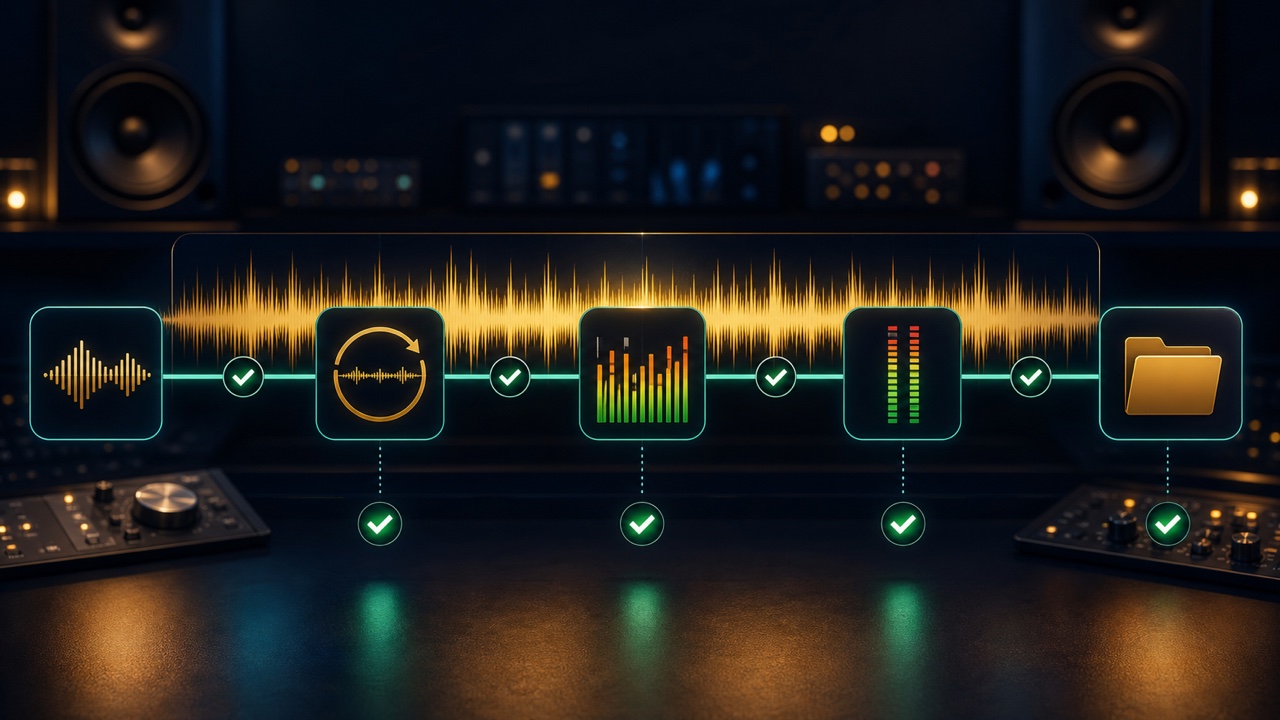
Background music delivery errors are often caused not by the quality of the composition or mix, but by details that a final review could catch, such as the wrong format, duration, file name, or a missing loop version. Do not send the files while you are still caught up in the feeling of finishing. Check each exported file in the type of environment where the recipient will use it.
Following the steps below reduces mistakes caused by judging only from the DAW project.
1. Reread the Requested Delivery Specifications
- File format, sample rate, and bit depth
- Stereo or mono
- Track duration and the tail at the end
- Whether full, looping, short, or stem versions are required
- Loudness and peak requirements
- File names and folder structure
If any requirement is unclear, do not fill in the gap with a standard setting. Confirm it before delivery.
2. Check the WAV Settings
Use WAV as the default for masters intended for editing or implementation, and export at the requested sample rate and bit depth. If the project and delivery settings differ, make sure the audio is not being converted twice unintentionally.
If an MP3 is also required, convert it separately from the WAV master. The audio format converter can standardize the formats, but check the beginning, ending, and sound quality again after conversion.
3. Listen to the Silence at the Beginning and the Tail at the End
Check that there is no excessive silence before playback and that the first attack has not been cut off. At the end, preserve enough time for the reverb and delay tails to decay naturally, while keeping them within any required duration.
You can also try the match background music to a video tool when adjusting the duration for video.
4. Play a Loop Version for at Least Five Cycles
For a loop version, check not only the transition but also whether the beat drifts over repeated cycles. Listen for clicks, interrupted reverb, changes in the low end, and fills or voices that sound unnatural when repeated.
Even if you used the seamless loop maker, repeat the completed file in another player or the actual implementation environment.
5. Check Loudness and Peaks Separately
LUFS is a guide to perceived loudness, while True Peak helps assess potential peaks during conversion and playback. Do not merely force the file to a specified value. Compare it by ear with reference tracks or other background music from the same project.
Check the master for clipping, listen for noise left on its own during a fade-out, and make sure the main melody remains recognizable at low volume.
6. Organize File Names and Version Numbers
Do not accumulate names such as “final,” “final2,” and “actual_final.” Use a consistent order for the project name, track title, purpose, and version number. Examples include “project_title_full_v03.wav” and “project_title_loop_v03.wav.”
Also check that the revisions match between the full and looping versions and that an older version has not been mixed into the same folder.
7. Include Rights Information and Supporting Notes
If outside recordings, samples, or performers are involved, document the permitted scope of use and any credit requirements. A text file listing the BPM, key, track duration, loop points, and included files will make implementation easier for the recipient.
8. Perform the Final Listening Check Using Only the Files You Will Send
Play the actual files in the delivery folder from beginning to end instead of listening in the DAW. Check the left and right channels, noise, cut-off audio, missing files, and unreadable formats. If possible, test them on another device as well.
For managing multiple versions, see “How to Manage Full, Looping, and Short Versions of the Same Track”. The “Checklist for Finishing and Releasing a Song Made in a DAW” is also useful for a complete review before publication.
