
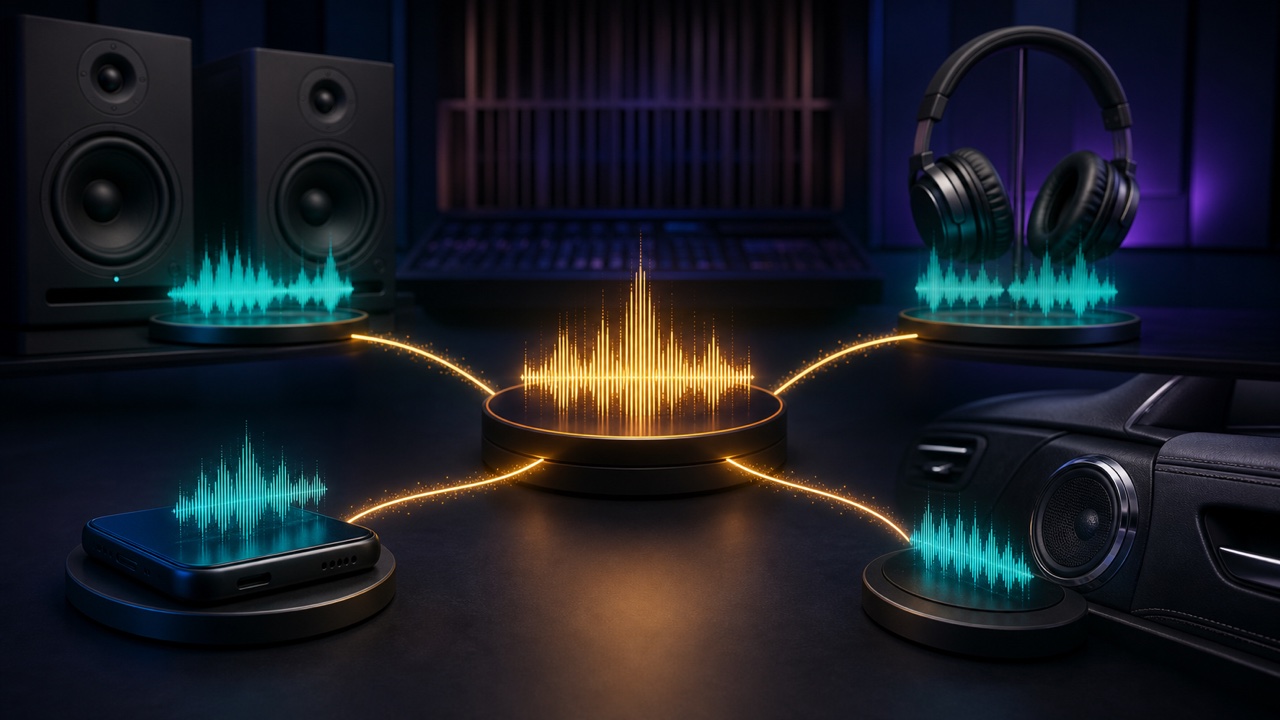
A mix may sound wide and polished on headphones, yet the vocals may seem distant on speakers, the low end may be too loud in the car, or the bass may disappear on a smartphone. Each playback system reproduces a different frequency range, blends the left and right channels differently, and is affected by the room in its own way, so a mix cannot sound exactly the same everywhere.
The goal is to keep the song’s focal point and overall balance from changing dramatically when the listening environment changes.
Match the Playback Levels You Use for Comparison
If you compare loud headphones with quiet speakers, even your perception of the low and high frequencies will change. First, set both to a low or moderate level where you could still have a conversation, then listen to the relationship among the song’s focal point, the kick, and the bass.
Check the impact at high volume only briefly at the end, and give your ears a rest.
Headphones Can Make the Left and Right Channels Sound Too Separated
Headphones deliver separate signals directly to each ear, so sounds positioned with panning can feel extremely far apart. With speakers, the left and right signals blend in the air, making centered sounds and depth feel different.
Do not create all of the width on headphones alone. Check that the important sounds remain present on speakers and in mono as well.
The Room Adds to the Low End from Speakers
Bass can sound stronger near walls, desks, and room corners, and certain notes may disappear when you move only slightly. Position the speakers and your ears symmetrically, adjust the distance from the walls, and listen from the same position each time.
Do not treat a single point in the room as the only correct position. Move slightly forward and backward to check the overall behavior of the low end.
Listen for Bass Harmonics on a Smartphone
Small speakers cannot reproduce deep sub-bass. Even when the bass fundamental disappears, check whether its harmonics, attack, and rhythm still make the part perceptible. Instead of continually adding more low end, adjust the low-midrange or the definition of the performance.
For more on separating the kick and bass, see “How to Clean Up a Muddy Low End in a Mix”.
Compare a Reference Track at the Same Level
If you listen only to your own song on multiple systems, it can be difficult to tell which differences come from the equipment. Import a reference track in the same genre and match its perceived loudness before comparing it with your mix.
If the reference track still works on that system but your mix does not, revisit the level balance and frequency distribution. You may also find “How to Import a Reference Track into Your DAW and Analyze Its Arrangement, Levels, and Frequencies” helpful.
Make Only One Change at a Time
If the bass sounds quiet on a smartphone and you change the EQ, compression, level, and saturation at the same time, you will not know which adjustment worked. Make one change, then return to your main monitors and check for side effects.
Use the Same Short Checklist Every Time
- Can you hear the focal point at low volume?
- Do the kick, bass, or vocals disappear in mono?
- Can you hear any noise or clicks on headphones?
- Does the low end become too boomy on speakers?
- Can you follow the rhythm and melody on a smartphone?
Check the mix on the same two to four systems each time and learn the character of each one. Rather than optimizing separately for every device, look for the balance that creates the fewest problems across all of them. That is how you make a mix communicate from one listening environment to another.
