
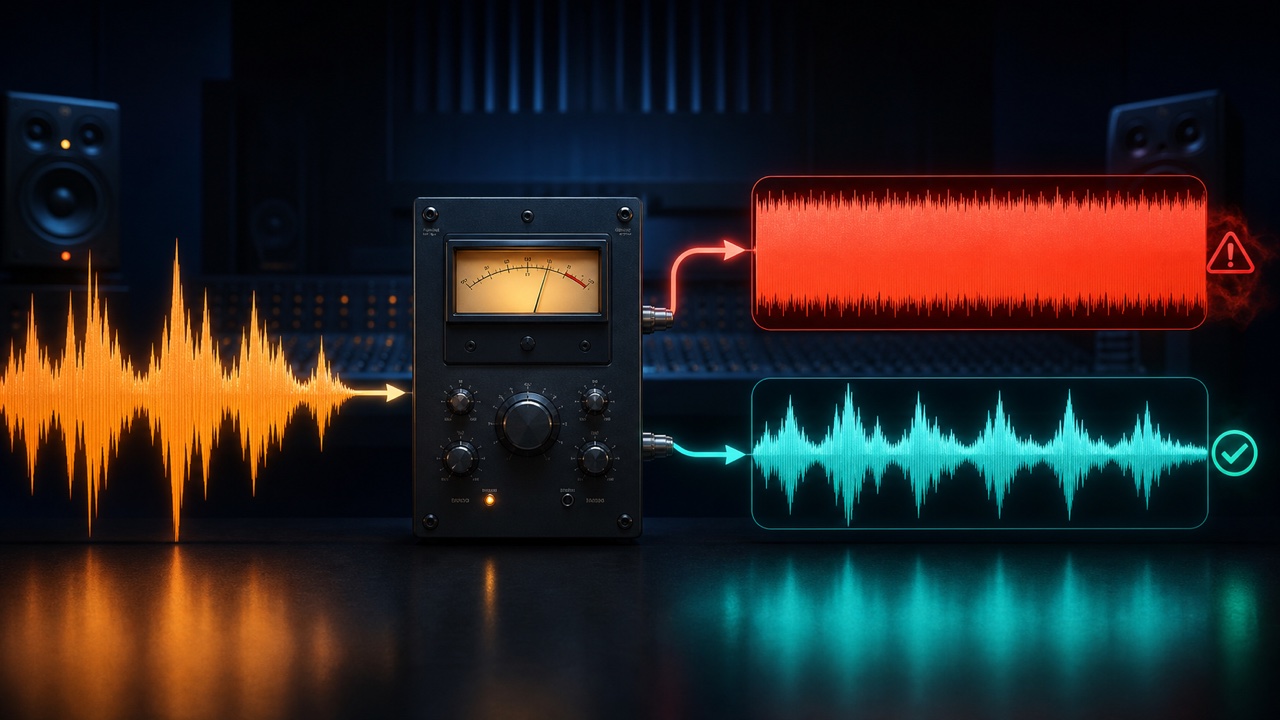
A compressor is supposed to even out levels, yet it can make audio sound quieter and flatter, feel constricted, drain the energy from drums, or cause the level to fluctuate rhythmically. The problem usually has less to do with the type of compressor than with an unclear purpose: what exactly are you trying to reduce, and by how many dB?
First Compare It with Bypass at the Same Level
Processed audio may seem better simply because it is louder, or it may feel less energetic simply because it has become quieter. Adjust the makeup gain so the processed and bypassed signals have similar perceived loudness before comparing them.
Once the levels are matched, check whether the definition and dynamics have actually improved.
Do Not Focus Too Much on Gain Reduction
If the gain reduction meter is constantly moving by a large amount, you may be compressing the entire performance too heavily. However, the number alone does not determine whether the setting is good or bad. Reducing parts of a vocal by 2 to 4 dB serves a different purpose from intentionally crushing drums for an effect.
Do Not Set the Threshold Too Low
When the threshold is too low, even quiet passages are constantly compressed and the natural dynamics are reduced. Start at a point where the compressor responds only to the loudest sections, then gradually extend its action to the passages that need control.
If you need to bring up quiet word endings, even out the difference with clip gain or automation before applying heavier compression.
Do Not Set the Ratio Too High
The higher the ratio, the more strongly the compressor reduces audio that crosses the threshold. For natural level control, start around 2:1 to 4:1. Reserve high ratios closer to limiting for peak control or a clearly intentional effect.
The amount of compression is determined by the combination of the ratio and threshold, not the ratio alone.
An Attack That Is Too Fast Removes Definition
A fast attack reduces the onset of the sound, including drum hits, guitar pick attacks, and consonants. If the sound moves to the back and loses its energy, use a slightly slower setting so the initial transient can pass through.
If the peaks are too sharp, use a faster attack only to the extent necessary.
The Wrong Release Makes the Level Fluctuate
If the release is too long, the compressor does not recover before the next note and the entire signal stays pushed down. If it is too short, the compressor may follow fine details in the waveform and create distortion or unnatural fluctuations.
Find a setting where the meter returns naturally with the song’s tempo, and listen for any sensation that the level is being sucked away.
Prepare the Source Before Compressing It
When only a few parts of a vocal or bass performance are extremely loud, lower them first with region gain. If unnecessary low frequencies are making the compressor react too strongly, consider a sidechain filter or an EQ before the compressor.
You can also split the work between two stages of gentle compression instead of trying to solve everything with one compressor.
Judge Bypass and Processed Audio in the Full Mix
A part may sound smooth in solo but lack attack against the accompaniment. Check whether the focal point remains stable at low playback levels while the original dynamics are still present. If the track works without compression, there is no need to force it into the chain.
For a clearer way to judge the basic order of mixing, start with “How to Build a Mix with Faders and Panning Before Adding Plugins”.
