
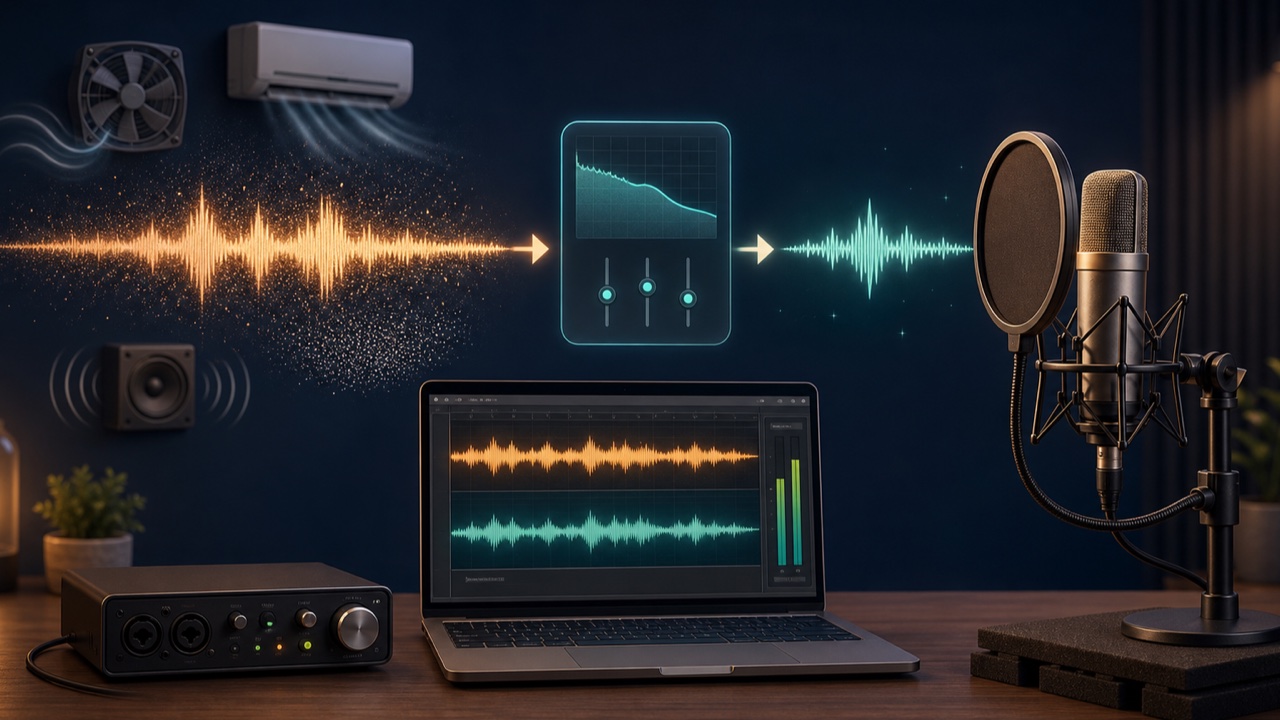
When you record vocals or narration at home, the recording may also capture an air conditioner, computer fan, passing cars, or equipment hiss. Post-recording noise reduction is useful, but noise that was quiet at the source can be processed more naturally.
The recommended order is to improve the recording environment and input settings first, then use post-processing to reduce any steady noise that remains.
Listen to the Room First
Before recording, capture about ten seconds of silence and listen through headphones at a higher volume. Identify the sources one by one, such as the air conditioner, ventilation fan, refrigerator, computer fan, outdoor sounds, and vibrations transmitted through the desk.
The level of background sound that is always present in a recording is called the noise floor. Rather than aiming for absolute silence, the goal is to make it sufficiently quiet relative to the voice or instrument.
Reconsider the Distance Between the Source and Microphone
Moving the microphone closer to the voice lets you record it at a higher level with the same input gain, making the room sound relatively quieter. However, placing it too close can emphasize breath noise, plosives, and low frequencies.
For vocals and narration, angle the microphone slightly away from the direct path of the voice and use a pop filter to reduce direct bursts of air. A stand or shock mount can help isolate vibrations from the desk.
Do Not Set the Gain Too High
Raising the gain on an audio interface too far can make equipment noise more noticeable. On the other hand, substantially boosting a recording that was captured too quietly also raises its background noise.
Set the level so the waveform is consistently visible while even the loudest speech or performance stays below clipping. Play back a short test recording and compare the level during silence with the level during the performance.
Turn Off Equipment Temporarily While Recording
Temporarily turning off the air conditioner or air purifier, moving a laptop away from the microphone, or recording at a quieter time can be more effective than post-processing because these steps reduce the noise at its source.
Prioritize a safe room temperature and safe equipment operation, and do not leave devices off for an unreasonable length of time. Recording a few phrases at a time can also help you avoid noise.
Reduce Steady Background Noise with Tadaoto
The Reduce Voice Recording Noise tool suppresses continuous background sounds such as air conditioners, computer fans, hiss, and low-frequency vibration. You can choose a processing strength ranging from a setting that prioritizes the natural character of the voice to a stronger setting.
Compare the audio before and after processing, and check that consonants and vocal decays have not become thin. Applying heavy processing in an attempt to remove all noise can create underwater-like artifacts or metallic fluctuations.
Background Music and Crowds Require Different Processing
Noise reduction works best on steady background sound. If background music is already mixed with the voice, or you need to extract speech from a crowd, AI separation such as the Isolate Dialogue tool is more suitable.
Strong room reverberation, multiple voices, and clipped recordings may not be completely repairable. Use these tools together with preventive steps before recording.
Do Not Make the Gaps Completely Silent After Noise Reduction
If only the spaces between phrases become completely silent, the room tone disappears abruptly and draws attention to the edit points. Add short fades where needed and leave a small amount of natural background sound.
For a broader recording setup checklist, see the related article What to Check Before Recording Vocals in a DAW. Good noise reduction leaves the character of the recording intact while gently reducing only the distracting background.
