
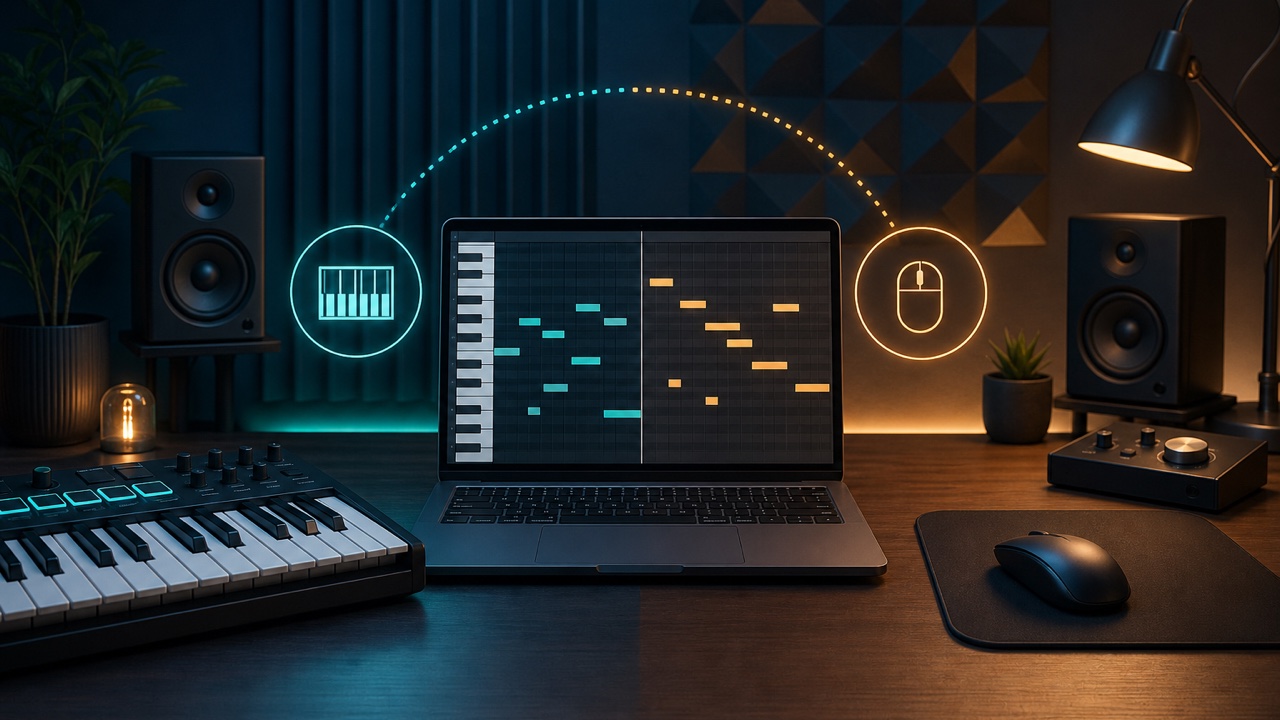
When you are getting started with computer-based music production, you may wonder whether you need a MIDI keyboard or whether you can make music without knowing how to play an instrument. The short answer is that you can start without a MIDI keyboard. Placing notes with a mouse, performing on a keyboard, and entering notes one at a time each work well for different tasks.
A MIDI Keyboard Is an Input Device That Sends Performance Data
Unlike a typical digital piano, a MIDI keyboard does not usually record its own sound. It is an input device that sends MIDI data to your DAW, including which keys you press, how hard you press them, and how long you hold them. The actual sound comes from a software instrument in the DAW.
Even a compact model with fewer keys is enough for entering melodies, bass lines, and chords. Unless you plan to record full piano performances, it can make sense to prioritize desk space and portability.
Who Should Use Mouse-Based Note Entry?
Mouse-based note entry means placing notes directly in the piano roll. Even if you cannot play an instrument, you can enter notes while checking their pitch and timing visually.
It is especially useful for drum patterns, precise chords, and detailed editing. It also makes it easy to correct wrong notes, match note lengths, and move multiple notes at once. However, giving every note the same strength and timing can sound mechanical, so adjust the velocity and note length as well.
Who Should Use a MIDI Keyboard?
A MIDI keyboard is a good fit if you want to play a melody as soon as it comes to you, find chords by ear, or preserve the dynamics of your performance. If your timing is slightly off, you can correct it later with quantization.
Even if you are not an experienced keyboard player, you can use one to find a melody one note at a time, enter bass notes in a low register, or finger-drum with a drum instrument. You do not need advanced performance skills if you plan to combine keyboard input with mouse editing.
Step Input Is Another Option
Step input lets you choose a note length and enter notes one at a time while playback is stopped. You can use a keyboard to enter notes precisely even if real-time performance is difficult for you. It is useful when you want to build complex chords or fast phrases at your own pace.
Settings to Check When the Sound Feels Delayed
If the sound from your MIDI keyboard arrives late, you are experiencing latency. Reducing the buffer size in your DAW’s audio settings can shorten the delay, but it also puts more strain on your computer.
A common approach is to use a smaller buffer while recording and a larger one while mixing. Temporarily disabling resource-intensive plug-ins can also help.
Which Input Method Should You Choose?
You can start with only a mouse and add a MIDI keyboard later, once you want a more intuitive way to enter melodies and chords. In practice, an efficient workflow is to record a rough performance on the keyboard and then correct it with the mouse. You do not have to commit to just one method; choose the best input method for each part.
