
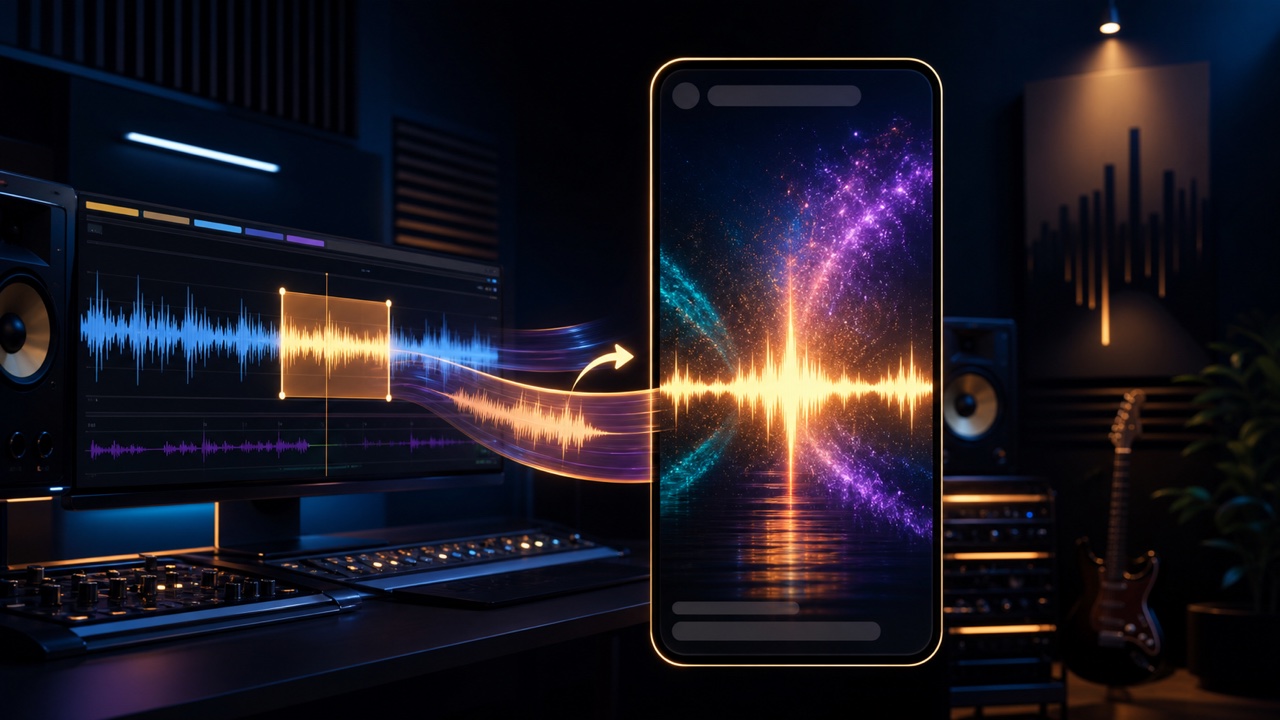
For a social media promotional video, it is more effective to showcase one compelling element in 15 to 30 seconds that makes viewers want to hear more than to condense the entire song into a short summary. Choose one focal point for each post, such as the chorus, a memorable riff, a sound-design transformation, or a performance clip.
Choose a Section Based on the Goal of the Post
Decide on the purpose of the post first: use the chorus to announce a finished track, performance footage to demonstrate your playing, or a before-and-after comparison to showcase your sound design. The most dramatic section of the song is not necessarily the best match for the post.
Use the audio trimming tool to create several candidates, then choose a section whose distinctive qualities still come through on a smartphone’s small speaker.
Communicate the Content in the First One or Two Seconds
If the video opens with a long silence, a logo by itself, or a quiet intro, viewers are more likely to leave before the music starts. Begin with sound immediately and briefly identify what the video presents with text such as “Chorus from my new song” or “Background music made using only guitar.”
However, do not cut into the middle of the sound’s attack. Choose a beat that gives the clip a satisfying start.
Keep Important Information Centered in a Vertical Video
On vertical videos, usernames, descriptions, and controls overlap the top and bottom of the screen. Keep important content such as the song title, captions, and the musician’s hands near the center instead of placing it too close to an edge.
Instead of shrinking widescreen footage until it barely fits, consider cropping around the subject, blurring the background, or reshooting in portrait orientation.
Use a Waveform or Photos When You Do Not Have Video Footage
The tools for creating an audio waveform video and creating an audio spectrum video can show the movement of the music more effectively than a still image alone. If you want to present several photos, a slideshow video is another option.
Match the colors and transitions to the character of the song so excessive motion does not draw more attention than the music.
Keep Captions Brief and Understandable Without Sound
People sometimes watch social media with the sound muted. Use short captions for essential information such as the song title, genre, notable production details, and where to hear it. Do not fill the entire screen with an explanation; put additional details in the post’s text.
Check the Volume and the Sound After Compression Before Posting
Because the platform will recompress both video and audio, leave some headroom below true peak. Play the video on a smartphone, headphones, and a computer, and confirm that the melody and rhythm remain clear even if some low frequencies disappear.
Give Viewers One Clear Path to the Full Version
At the end of the video or in the post’s text, clearly identify the next destination, such as the full version, a streaming page, or your profile. Avoid presenting too many links and choose the single place you most want people to visit from this post.
For general guidance on creating music videos, see “How to Make a Music Video for Posting Your Song on YouTube and Social Media.”
