
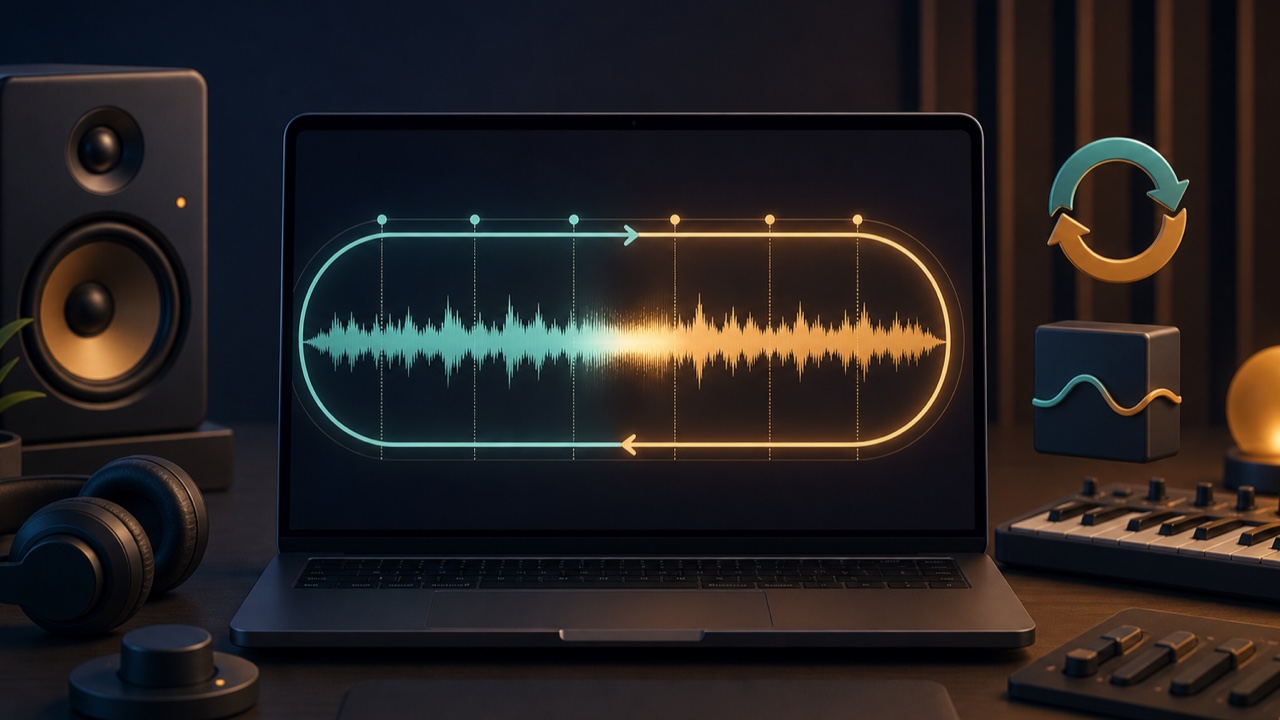
When you want background music to play continuously in a game, livestream, video, or other project, simply repeating the song can make the jump from the ending back to the beginning obvious. Creating a natural loop requires more than connecting two similar-sounding points. The beats, harmony, bass, and reverb tails must also line up.
Ideally, you will compose with looping in mind from the beginning, but you can also create a repeatable section from finished background music.
Do Not Connect the Intro Directly to the Outro
An intro often has fewer layers, while an outro removes parts to bring the song to an end or lets the final chord ring out. Returning directly from the end to the beginning can therefore sound like the arrangement suddenly rewinds.
When creating a loop from a finished song, avoid the intro and outro. Look for start and end points in the middle where the instrumentation and energy are similar. A place where the chord progression completes a cycle and returns to the same chord is a good candidate.
Align the Downbeats of the Measures
For a steady song in 4/4, align both the start and end points with the time signature and the beginning of a measure. Even if the waveforms look similar, joining points that are one beat apart will swap the positions of the kick and snare and sound unnatural.
Check the BPM and align the song with your DAW’s grid to make suitable points easier to find. For live performances or songs with tempo changes, you also need to account for timing variations within each section.
Listen to How the Bass and Chords Connect
At the loop point, a change in the bass or chords can create more obvious discontinuity than the drums. Check whether the bass note just before the end clashes with the note immediately after the start, and whether the harmonic resolution is cut off midway.
Cutting in the middle of a melody can make the phrase suddenly jump back to its beginning. Choose a rest in the lead melody or a point where the phrase comes to a natural break.
Blend the Transition with a Crossfade
A crossfade overlaps the beginning while gradually reducing the end. It softens abrupt waveform changes and cut-off reverberation while preventing clicks.
A shorter crossfade works well for songs with strong drum or bass attacks, while a slightly longer one can suit pads and long reverb tails. If it is too long, kicks and chords may sound doubled, so always audition the transition repeatedly.
Create a Seamless Loop with Tadaoto
Load background music into the seamless loop maker, and it will use the estimated BPM and measure positions to find possible transitions that avoid the intro and outro. You can preview the jump from the loop ending back to the beginning for each candidate.
If the measure boundaries do not align, you can shift the position one beat at a time and run the analysis again. You can also choose a short, natural, or long crossfade. Your audio is not stored on a server, and the finished WAV file is created in your browser.
Audition the Loop for Several Cycles
A transition may sound natural once, yet after several cycles a particular sound may repeat so noticeably that the pattern becomes distracting. Play the loop at least three or four times and check the following points.
- Do the kick and snare remain on the correct beats?
- Do the bass and chords connect smoothly?
- Is the melody cut off in the middle?
- Do the reverb or background noise change abruptly?
- Does the crossfade cause a brief jump in volume?
When to Use a DAW Instead
If you have the production project, arranging a dedicated loop section in your DAW gives you more control over reverb tails and harmony. A tool is convenient when you want to quickly find candidates in finished background music or compare several transitions.
If you need background music that matches the exact duration of a video, you can also use the background music length matcher instead of making only a loop. Choose between a repeating version and a fixed-duration version according to your needs.
