
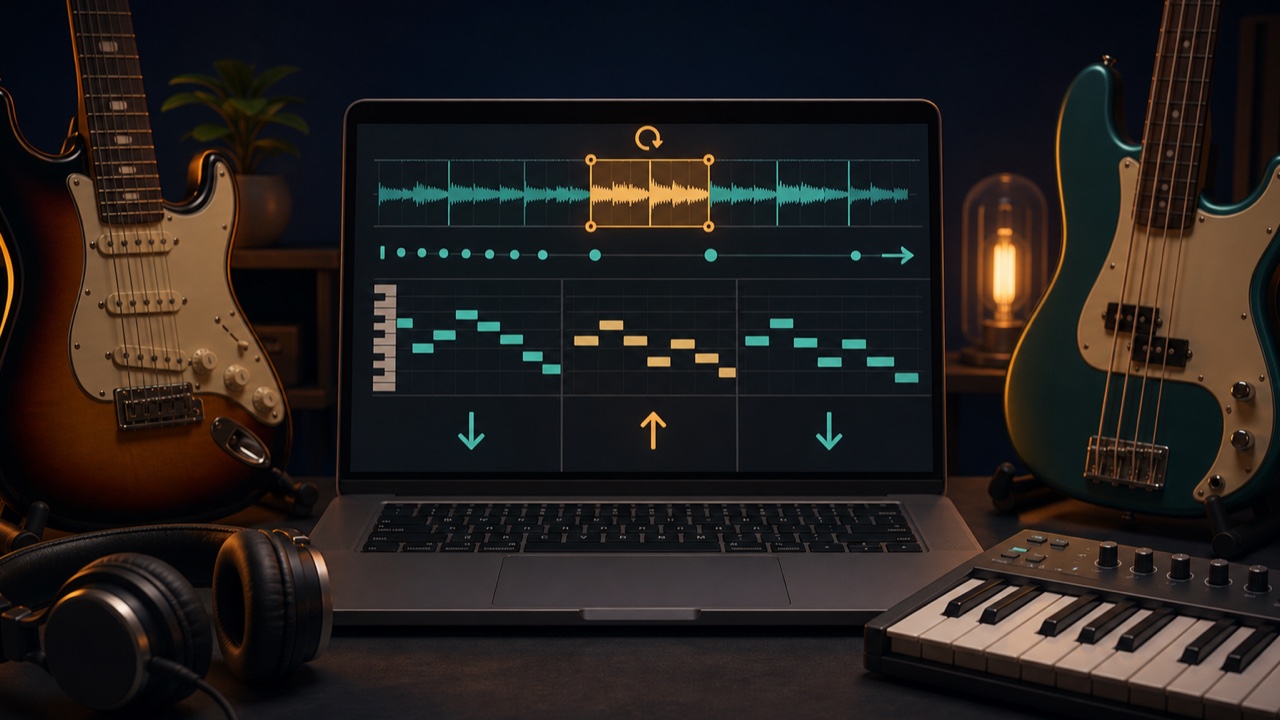
Practicing an instrument along with the original song can present several problems: a phrase may be too fast, the tuning may be different, or repeatedly seeking to the same point may be tedious. Preparing a practice track lets you focus on the difficult parts.
Depending on your goal, adjust the tempo, pitch, and playback range separately.
Start by Checking the BPM and Key
Use the BPM and Key Finder to identify possible BPM and key values for the original song. This makes it easier to plan your practice.
If the detected BPM is half or twice the expected value, choose the one that is easier to count along with the drums in the original song. To check the key, play the suggested notes on your instrument and listen for the one that fits.
Slow Down Fast Phrases
The tempo changer lets you adjust a song’s speed from 50% to 200% without changing its pitch. Start by slowing it to about 70% to 90%, or to a speed at which you can maintain accurate fingering and rhythm.
Once you can play the phrase, increase the speed by 5% at a time until you reach the original tempo. Slowing it down too much can alter the attack and rhythmic feel, so keeping the reduction to what you actually need is more practical.
Change the Key to Match Your Tuning
If you want to practice a song recorded in half-step-down or another alternate tuning while using standard tuning, the pitch shifter lets you move the entire song in semitone increments.
The song’s length and tempo remain unchanged. Larger shifts produce more noticeable changes in sound quality and vocal character, so start with a range of about one to three semitones up or down.
Extract Only the Difficult Section
The audio trimmer lets you view the waveform and export only the few seconds or measures you want to practice as a WAV file. Preview the start and end points, leaving enough room for playback to begin shortly before the phrase.
Using loop playback in a DAW or player saves you from returning to the same point every time. If you need a count-in, add a click or a short count before the phrase in your DAW.
Isolate Parts That Are Hard to Hear
If the bass or drums are masked by other sounds, use the stem splitter to separate the track into stems. You can listen to your part by itself, or lower that part and play along with the rest of the original track.
Stem separation can produce bleed and missing details, so use the result as a listening aid rather than as a definitive reference for the performance.
How to Create a Practice Track
- Identify possible BPM and key values
- Change the tempo or pitch if necessary
- Extract the difficult section with a little extra space before and after it
- Loop the section and practice at a slower tempo
- Gradually return to the original tempo
- Finally, play along with the unprocessed original song
Use Processed Tracks Only for Personal Practice
Do not publish or distribute tempo-adjusted tracks, stems, or clips made from commercially released songs or other protected recordings. Follow the rights and terms that apply to the source audio, and use these files only for personal transcription and practice.
For more on preparing to learn a song by ear, see the related article How to Find a Song’s BPM and Key.
