
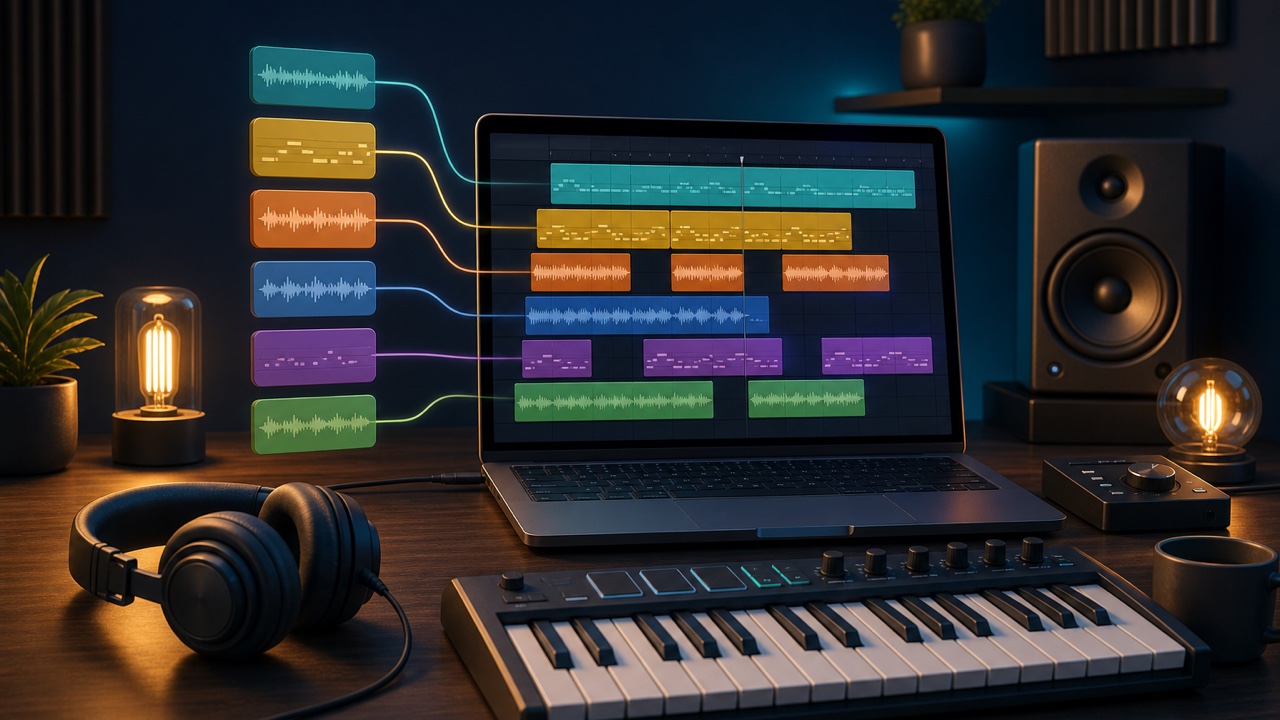
Apple Loops included with Logic Pro let you start making background music by arranging existing material, even if you cannot play an instrument or program detailed MIDI parts. Loops are not finished songs; they are useful building blocks for learning how to combine musical parts and create development.
This article explains a basic process for making a short background music track using only Apple Loops. Rather than focusing on every on-screen command, it covers how to choose material and assemble it into a song.
Choose the BPM and Key First
Start by choosing the project’s BPM and key. Apple Loops can follow the project’s tempo and key during playback, which makes it easier to combine different loops.
However, automatic tempo and key matching does not mean that every loop will work naturally with every other loop. Material recorded at a drastically different tempo can change in character, and loops with melodic content may clash with one another. Narrow your search first and choose material from the same genre or with a similar original tempo.
Build the Foundation with Drums, Bass, and Chords
Begin by arranging about eight measures of a drum loop. Then add a bass loop, followed by a chordal instrument or pad, one part at a time. Layering too many loops at once makes it difficult to tell which sounds are supporting the track.
Each part has a different role. The drums provide rhythm, the bass supports the low end and chord structure, and chordal instruments provide harmony. Instead of stacking several loops with similar roles, start by building the full track with one loop for each role.
Make One Melodic Loop the Main Focus
Adding a melodic loop played by a guitar, piano, synth, or another instrument defines the character of the background music. Multiple melodies playing at once can easily make the arrangement feel cluttered, so choose one as the main focus.
If the music will play behind speech or narration, material with fewer notes or mostly long, sustained tones is easier to work with. Also check whether the music is drawing more attention than the visual content.
Develop the Loop into a Complete Song Structure
Once you have an eight-measure combination, do not simply repeat it unchanged. Divide the track into three parts: an intro, a main section, and an outro.
- Intro: Begin quietly with only drums or chords
- Main section: Add the bass and featured melody
- Later section: Add hi-hat or another percussion part
- Outro: Reduce the melody and drums to bring the track to an end
Removing sounds, not just adding them, is part of arranging. Small changes every two to four measures can make the same loop material feel more like a complete song.
What to Check Before Finishing
Finally, check for noise or unnatural tails at loop boundaries, too much overlap in the low end, and an ending that feels abrupt. Apple Loops can help you create a structure quickly, but auditioning too many options can keep you from finishing. Limit yourself to a small number of loops you like and work all the way through exporting your first track.
