
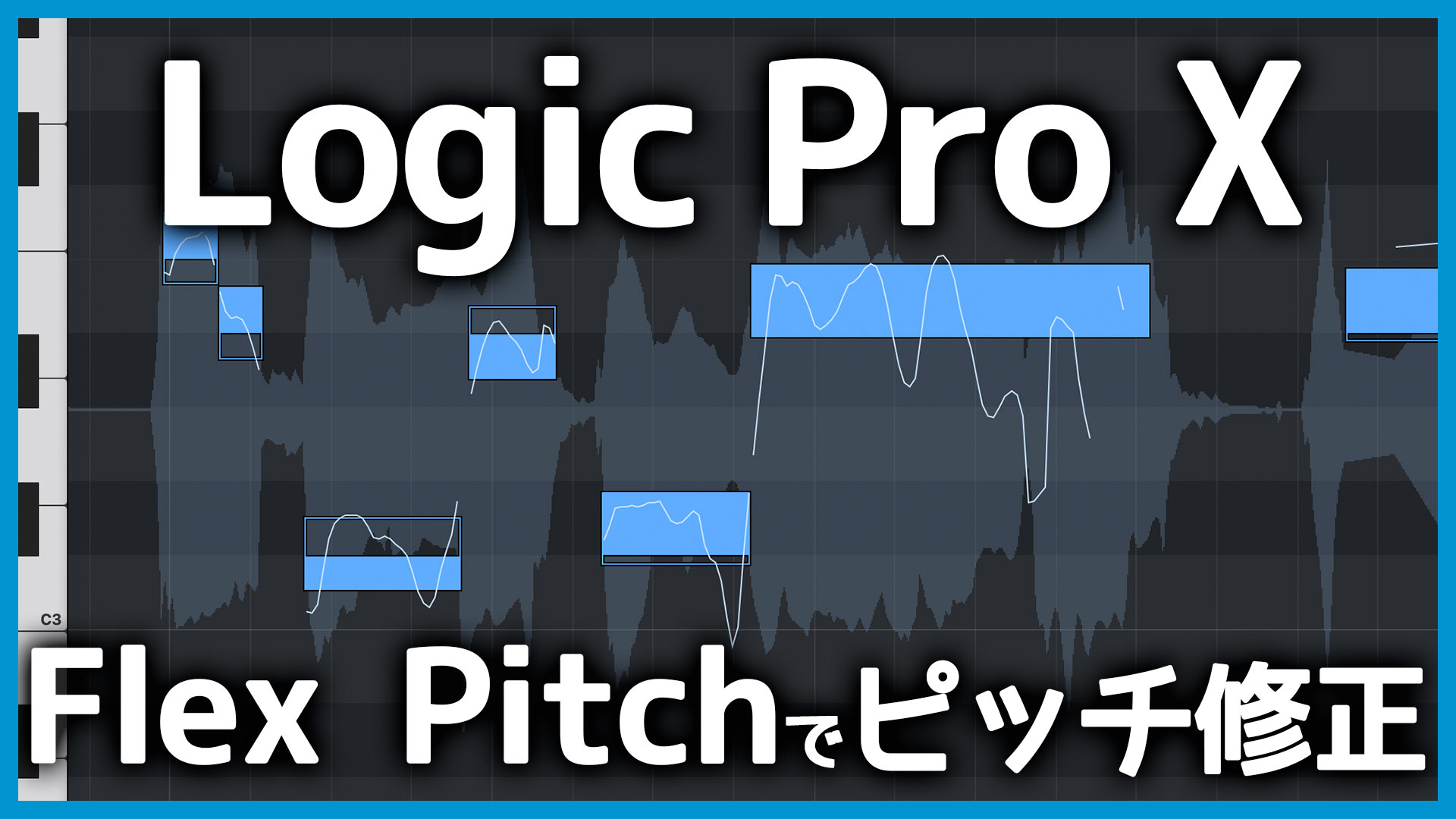
Logic Pro includes a pitch-correction feature called Flex Pitch.
It works in a way similar to Melodyne and is perfectly capable of handling basic pitch correction.
This guide explains how to enable Flex Pitch and use its essential controls.
Enable Flex and Select Flex Pitch
Start by enabling Flex.
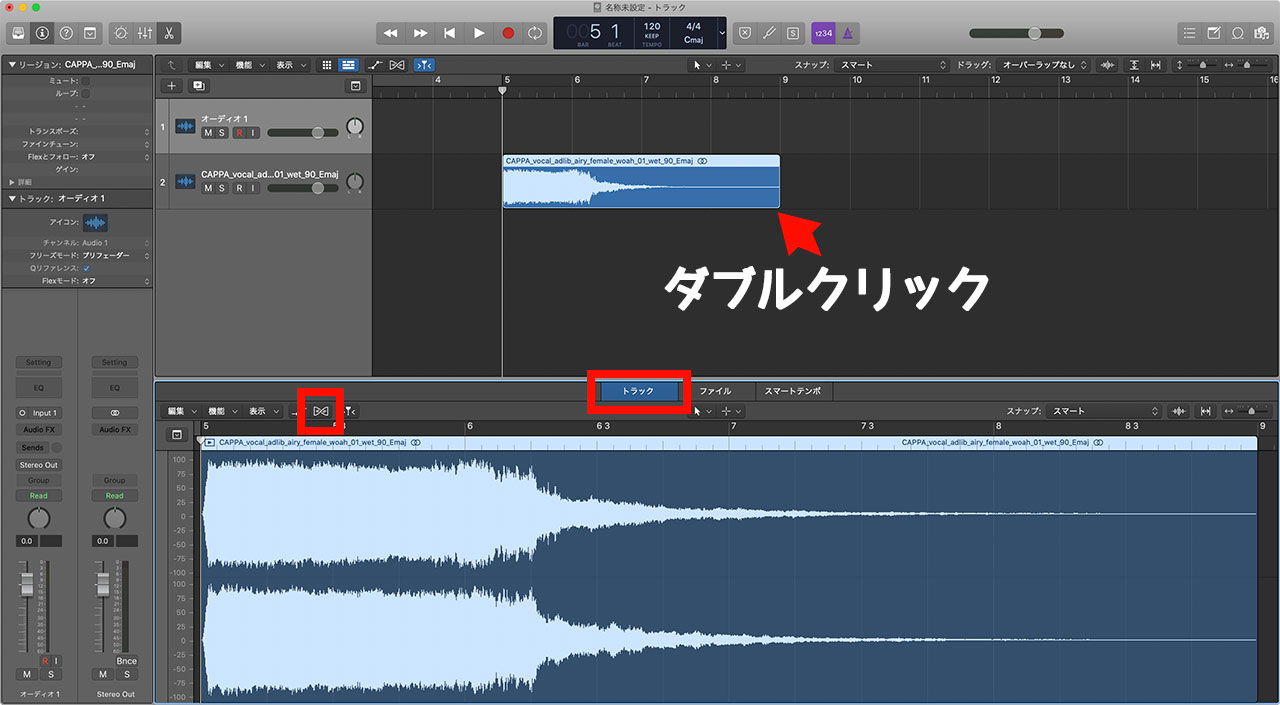
Double-click an audio region. With the Track tab selected, click the Flex button on the left.
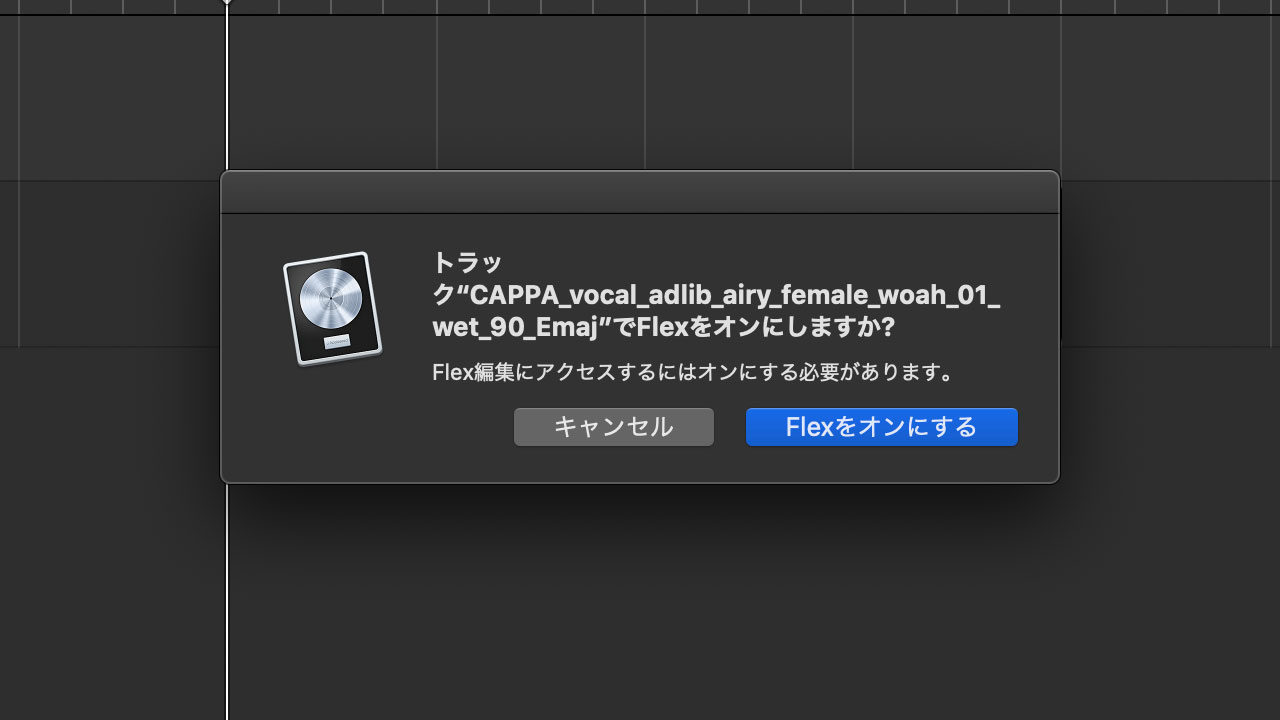
An alert will appear, but it is safe to continue and enable Flex.
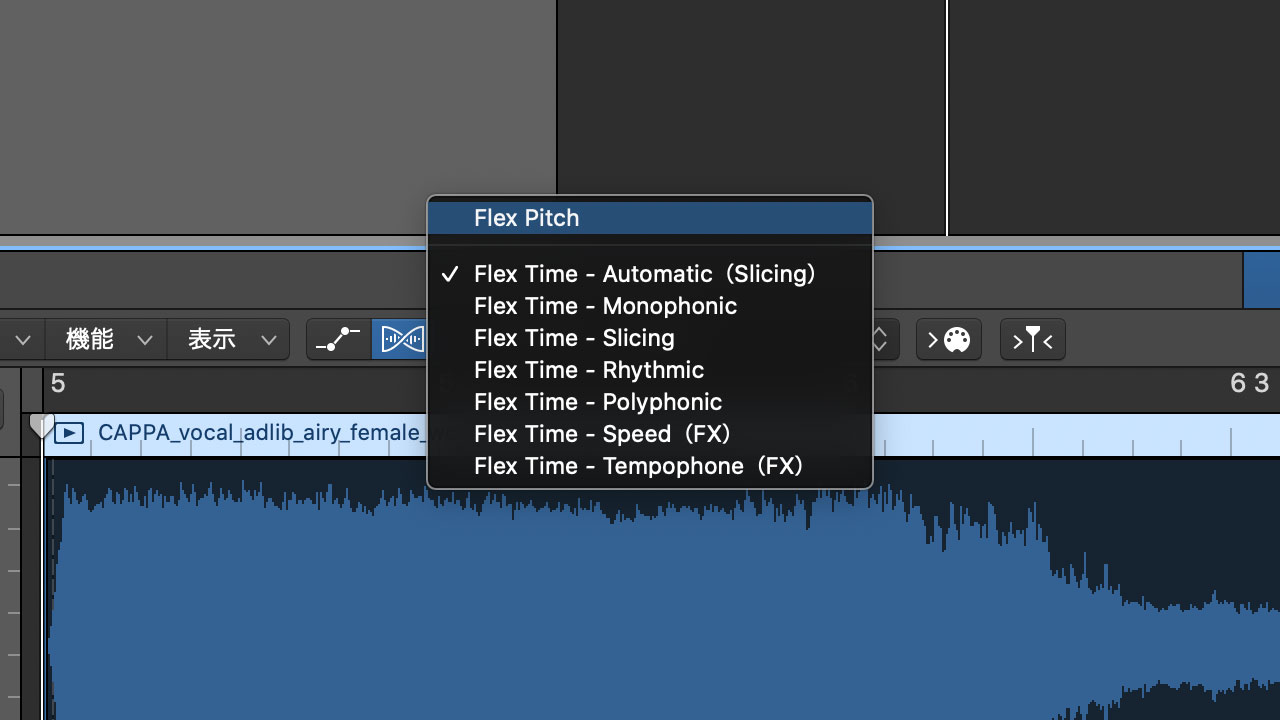
Choose “Flex Pitch” from the pop-up menu to the right of the Flex button.
Flex Pitch is now ready to use.
Basic Flex Pitch Controls
When Flex Pitch is enabled, you can edit the audio in an interface resembling a piano roll.
Drag a note up or down to change its pitch. Use this gesture for broad pitch adjustments.
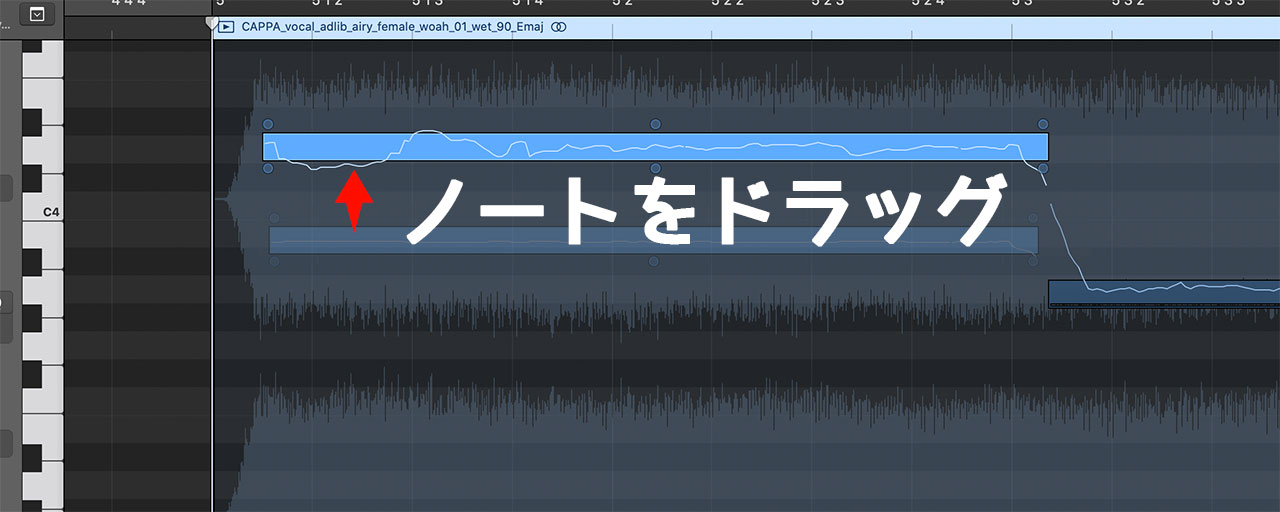
Six control points appear around each note. Use them for more precise adjustments.
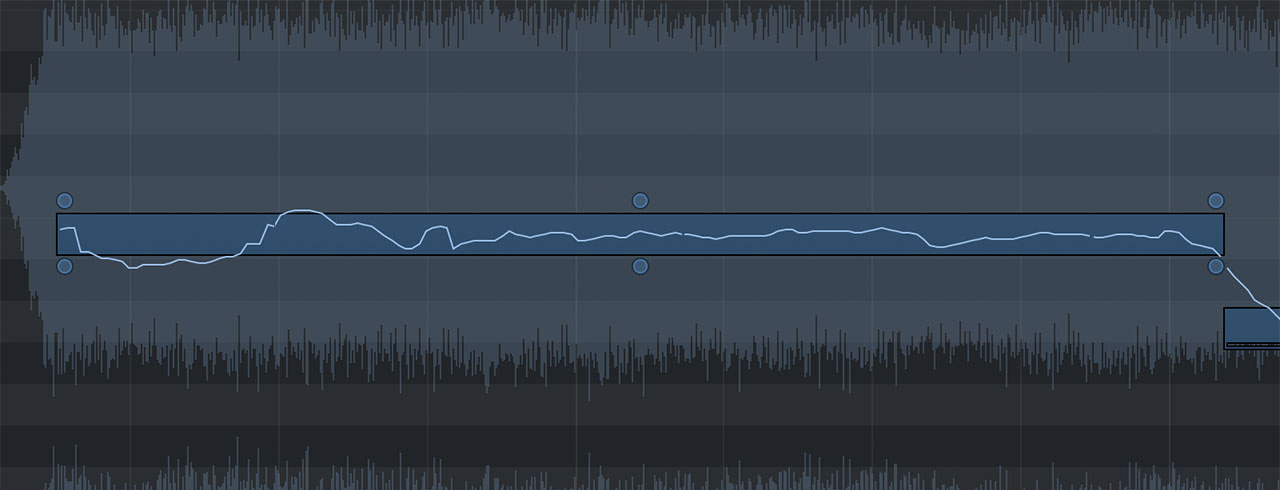
The Pitch Drift controls at the upper left and upper right adjust the pitch near the beginning and end of the note.
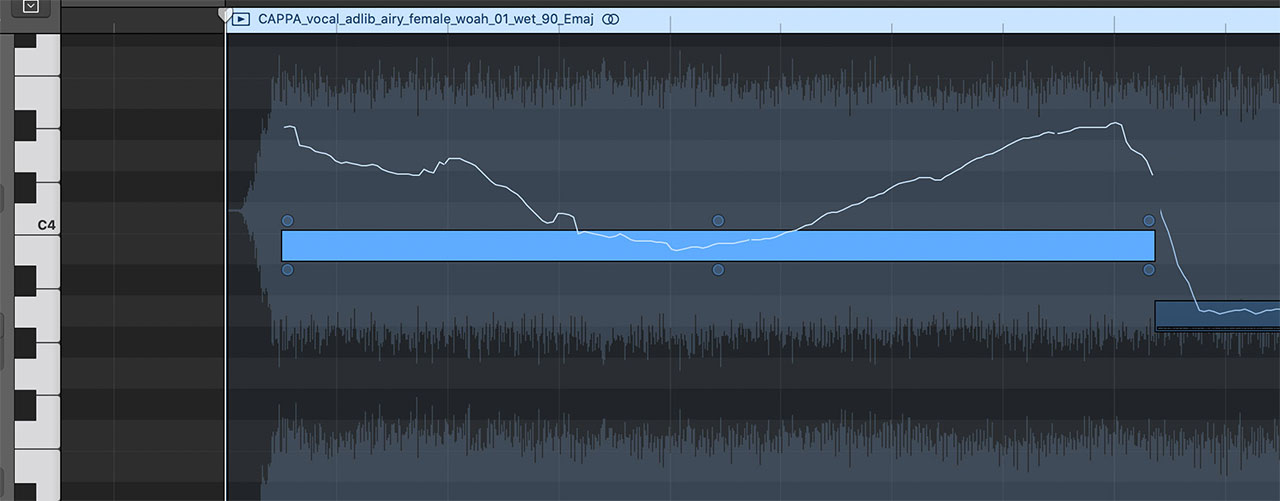
Fine Pitch, at the top center, adjusts the pitch of the entire note. You will mainly use these three upper controls for pitch correction.

Vibrato, at the bottom center, changes the amount of vibrato and therefore also has a major effect on pitch movement.
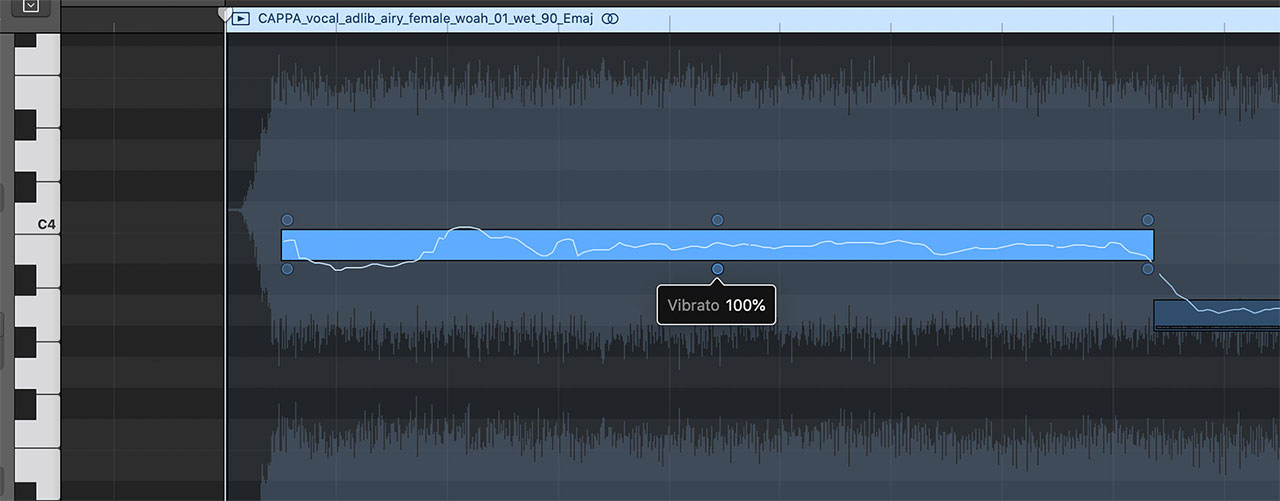
You can flatten the pitch variation,

or exaggerate the vibrato. However, you cannot make detailed vibrato adjustments to only part of a note.

Gain, at the lower left, adjusts the volume. Use it when you need to change a note’s level within the waveform.
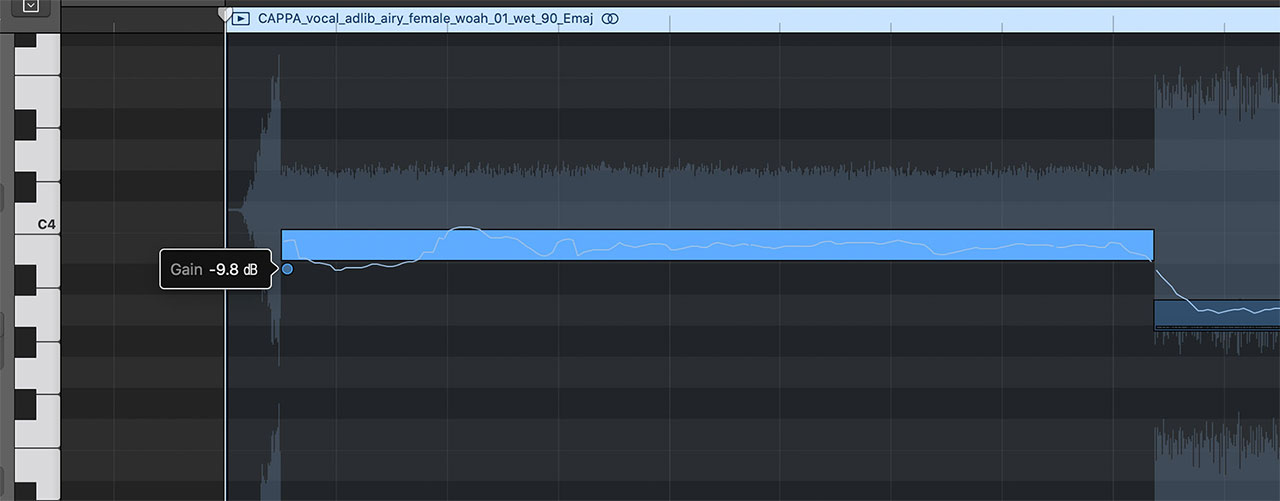
Formant Shift, at the lower right, adjusts the formants.
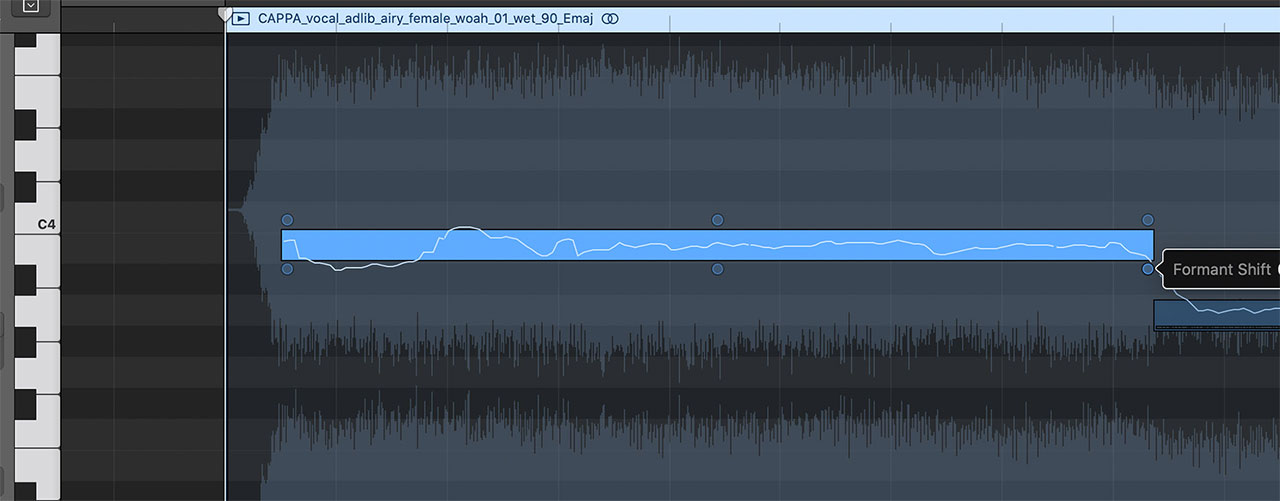
The changes are easier to understand when you hear them, so see the video on the tadaoto YouTube channel for a detailed demonstration.
From Vocal Pitch Correction to Creating Harmonies
Besides correcting vocal pitch, you can also use Flex Pitch to create a harmony part from the original material.
Add another audio track, duplicate the original audio onto it, and change its notes with Flex Pitch to create the harmony.

Because the audio is edited nondestructively, the original file is not altered at all. You can edit the harmony as much as you like while continuing to use the untouched audio for the main part.
Use Melodyne for More Detailed Editing
Melodyne is one of the best-known tools for pitch editing. As dedicated software, it offers much more detailed control over audio files.
If you outgrow the capabilities of Flex Pitch, give Melodyne a try.

