
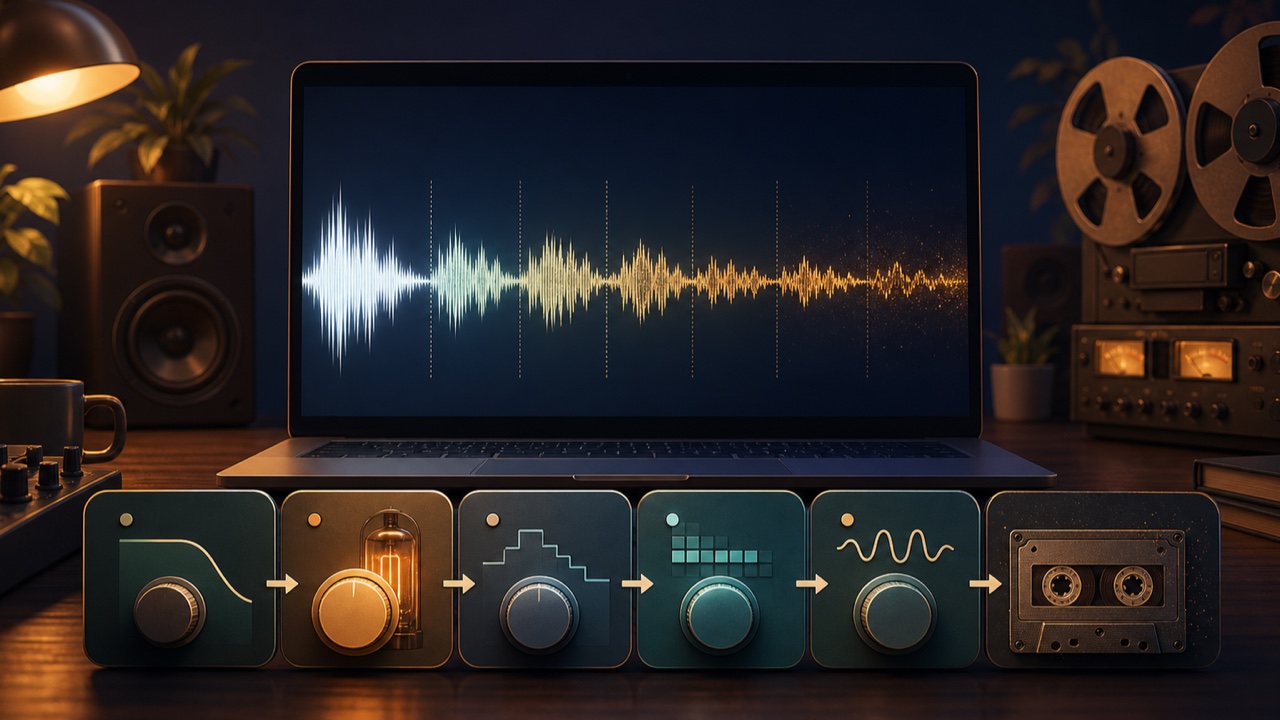
When people think of lo-fi sound, adding vinyl noise may be the first technique that comes to mind, but noise alone does not create the texture. Lo-fi character comes from combining reduced high frequencies, gentle distortion, digital grit, and tape-like pitch movement.
Applying every effect heavily can destroy the sound. Add one element at a time based on what the source needs, and make adjustments while comparing the result with the original.
Soften the High End with a Low-Pass Filter
A low-pass filter reduces high frequencies above the selected cutoff frequency. Taming harsh components and modern brightness creates a calmer impression reminiscent of an old recording or small speaker.
Setting the cutoff too low removes vocal consonants and drum attacks. You can also apply the filter only to samples, drums, or chords instead of the entire song.
Add Density and Warmth with Saturation
Saturation thickens a sound by adding gentle distortion and harmonics. It is subtler than heavy distortion and can bring a sound forward while rounding off its peaks.
Although saturation works differently from a compressor, it can make volume differences feel less pronounced. Match the output level so you can distinguish the actual effect from a simple increase in loudness.
Add Grit with Bit Crushing and Sample-Rate Reduction
Bit crushing lowers the bit depth, reducing amplitude resolution and creating grainy digital distortion. Lowering the sample rate adds aliasing and a rough texture to the high end.
These effects are easy to hear on drums and short one-shots, but heavy processing across an entire finished track can quickly become fatiguing.
Add Subtle Pitch Movement with Wow and Flutter
When the rotation of tape or vinyl is not perfectly steady, the pitch moves slowly or rapidly. The slow variation is called wow, and the faster variation is called flutter.
A small amount on chords, pads, or piano creates the instability of older equipment. Applying it heavily to bass or kick can make the song’s tonal center and low end unstable.
Add Vinyl Noise and Tape Hiss Last
Vinyl crackle and tape hiss are immediately recognizable signs of a lo-fi aesthetic. If they play loudly throughout the track, however, the noise can overshadow the music.
Begin at a level where the noise is just audible in the quieter sections. Unwanted noise floor captured during recording and noise deliberately added for effect serve different purposes.
Try Lo-Fi Processing with Tadaoto
The lo-fi audio processor includes Natural, Soft, Dark, Muffled, and Sampler-style presets that you can preview. Use a preset as a starting point, then adjust the low-pass filter, saturation, bit crushing, sample-rate reduction, pitch movement, vinyl noise, and tape hiss individually.
Switch between the processed and original audio while previewing, then render the current settings as a 16-bit WAV file. The initial presets do not add vinyl noise or tape hiss; they focus on changing the darkness and grit of the tone.
Keep the Processing Order and Amount Simple
- Use the low-pass filter to set the high-end brightness
- Add density with saturation
- If necessary, use a small amount of bit crushing or sample-rate reduction
- Add pitch movement
- Add noise last
- Bring the output level close to the original before comparing them
Lo-fi processing is not simply about degrading audio quality. It is about choosing the amount of detail and texture that suits the atmosphere you want listeners to hear. For the basics of plugins and effects, see the related article The Difference Between Software Instruments, Plugins, and Effects.
