
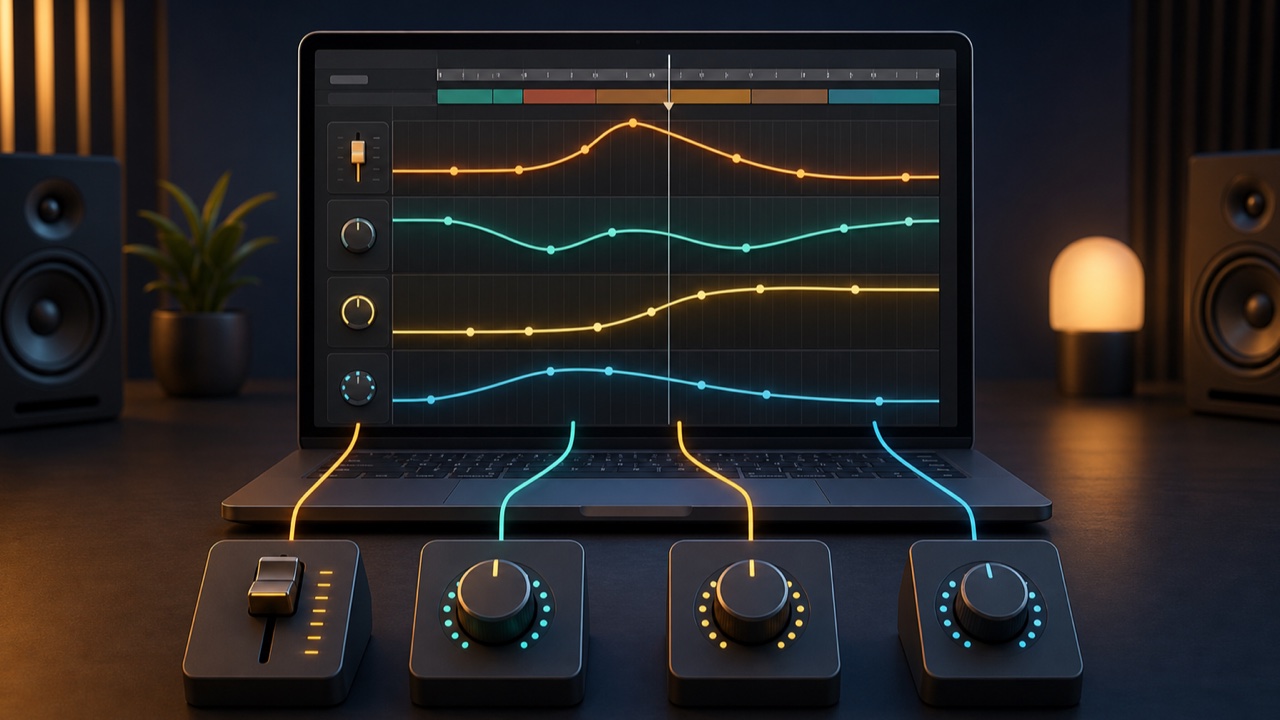
Automation is a feature that changes volume, tone, effect levels, and other parameters automatically over the course of a song. The DAW reproduces changes you have programmed in advance, so you do not have to turn controls by hand during playback.
It is useful when a song sounds flat or when you want to make a particular word easier to hear. Start with small volume adjustments.
Volume Automation
Writing movements for a fader lets you change the level of individual sections or phrases. You might slightly raise only the quiet words in a vocal, make backing vocals louder in the chorus, or gradually lower the outro.
Instead of using a compressor to control every large level difference, automating only the necessary places can sometimes produce a more natural result.
Pan Automation
Moving the pan control shifts a sound from side to side. Applying this to sound effects, fills, or short synth phrases can create a sense of motion.
Constantly moving the lead vocal or low-frequency elements can make their position feel unstable, so start with brief decorative sounds. Check the result on speakers as well as headphones.
Changing Tone with a Filter
Moving the cutoff frequency of a synth or loop can gradually transform a muffled sound into a bright one. A classic technique is to reduce high frequencies in the intro and open the filter as the song approaches the chorus.
A filter sweep alone can create a build-up. Moving it too abruptly can sound harsh, so adjust it while listening in the context of the full song.
Automating Send Levels
Automating a send level lets you add deeper reverb or delay to only a particular word or sound. Adding delay only to the end of a vocal phrase expands the space without blurring the middle of the lyrics.
Increasing the reverb immediately before a break and returning it to the original level in the next measure can emphasize the transition.
How to Write Automation
Most DAWs display an automation line on the track. Add points to the line and change their values to create linear movements, abrupt switches, or curves.
You can also record fader and knob movements in real time. After recording, clean up unnecessary small movements and confirm that playback produces the same result every time.
What Beginners Should Watch For
Using too much automation can make it difficult to change the underlying volume or tone later. Build a balanced static mix first, then write only the changes you need.
Automation is useful not only for dramatic effects but also for subtle adjustments that help the main element of a song sound natural. Try volume, filter, and send automation one at a time, in that order.
