
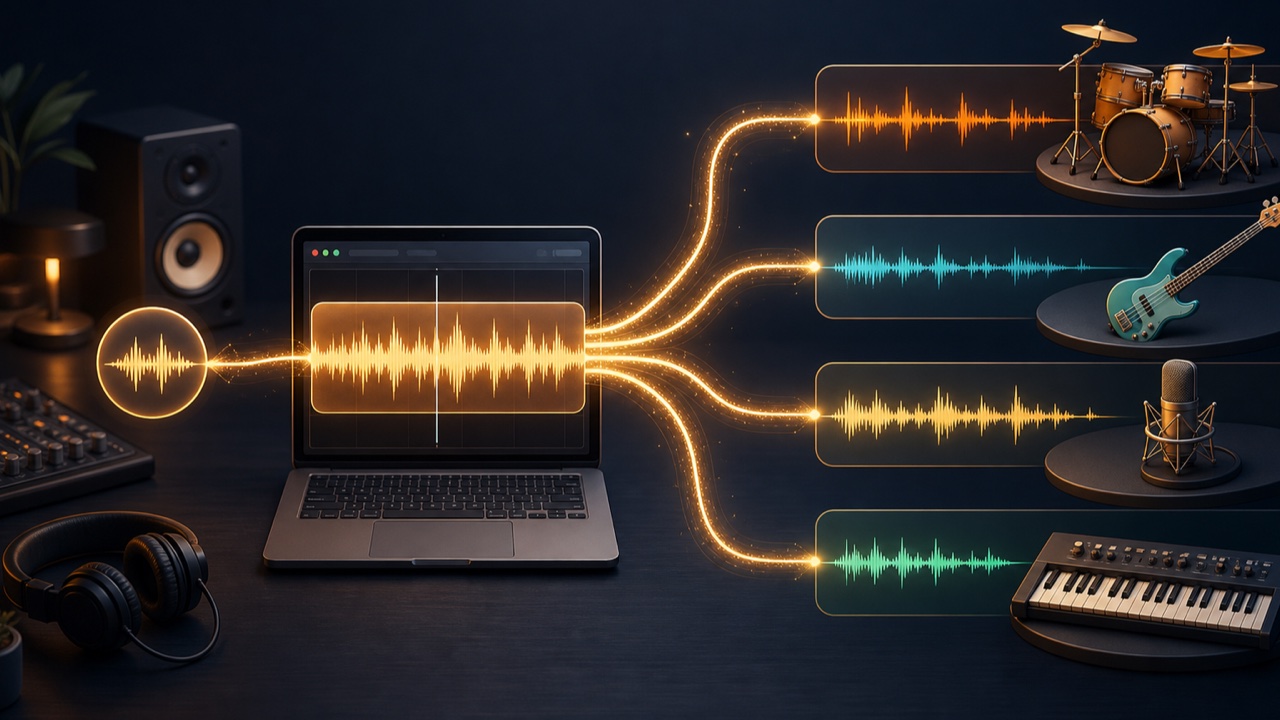
When listening to a reference song, the overlapping drums, bass, vocals, and chordal instruments can make a specific sound difficult to follow. Low frequencies and quiet ornamental parts are especially easy to mask within a full mix.
In this situation, separating the song into part-specific stems can help not only with transcription but also with analyzing the arrangement and mix.
What Is Stem Separation?
Stem separation estimates and extracts drums, bass, vocals, other instruments, and similar parts from a finished stereo mix. It does not restore the original multitrack recording, but it can make each part easier to distinguish.
Listen to an isolated part by itself, then return to the original song. This makes the same sound easier to follow within the full mix.
Alternate Between the Original and the Stems When Transcribing
Do not treat an isolated stem as the definitive answer. Alternate it with the original recording. For drums, check the kick and snare positions; for bass, check pitches and rests; and for vocals, distinguish the lead melody from harmonies.
Begin by repeating a short passage of one or two measures and enter the rhythm you hear into your DAW. Then play it with the original and check whether anything feels wrong. Rhythm depends not only on where sounds begin but also on where they stop.
Study When Parts Enter and Leave the Arrangement
The appeal of a reference song comes not only from its tones but also from when each part enters and rests. Take notes on details such as the absence of bass in the intro, a brief drum stop before the chorus, or a chordal instrument moving to a different register in the second verse.
Label the song sections with markers in your DAW, then use four rows for drums, bass, vocals, and other instruments to note where each part plays. This creates a visual map of the song’s development.
Listen to Frequency Ranges and Ambience in the Mix
A bass stem makes it easier to assess the amount of low end and note duration, while a drum stem reveals the weight of the kick and the sense of room ambience. A vocal stem can also help you estimate how much reverb and delay were used.
However, the separation process may place reverb or sounds from other parts in the wrong stem. Rather than trying to reproduce the isolated stem’s sound quality exactly, identify the role it serves in the original mix.
Separate Audio into Parts with Tadaoto
The stem separation tool can divide audio into two stems, drums and everything else, or four stems: drums, bass, vocals, and other instruments. Processing takes place in your browser, and you can save the results as WAV files.
The AI model must load the first time you use it, and processing may take a while depending on the song length and your computer’s performance. For transcription or arrangement analysis, you can begin with a short audio file containing only the section you want to examine.
Expect Errors and Bleed in Separated Audio
Kicks and bass playing in the same frequency range, vocals with deep reverb, and distorted guitars may not separate completely. Missing audio or bleed into another stem is an inherent limitation of the separation process.
Separated audio is not a substitute for sheet music or a multitrack session. Use it as a guide that helps you decide where to focus your listening.
Handle Copyrighted Audio Carefully
When analyzing commercially released songs or other protected recordings, do not publish or distribute the separated audio or reuse it as your own material. Use audio you own or audio whose terms permit your intended use.
The goal is not to copy every detail of the reference song. Learn the roles of its parts and how its sections develop, then apply those lessons to your own music in a different form.
