
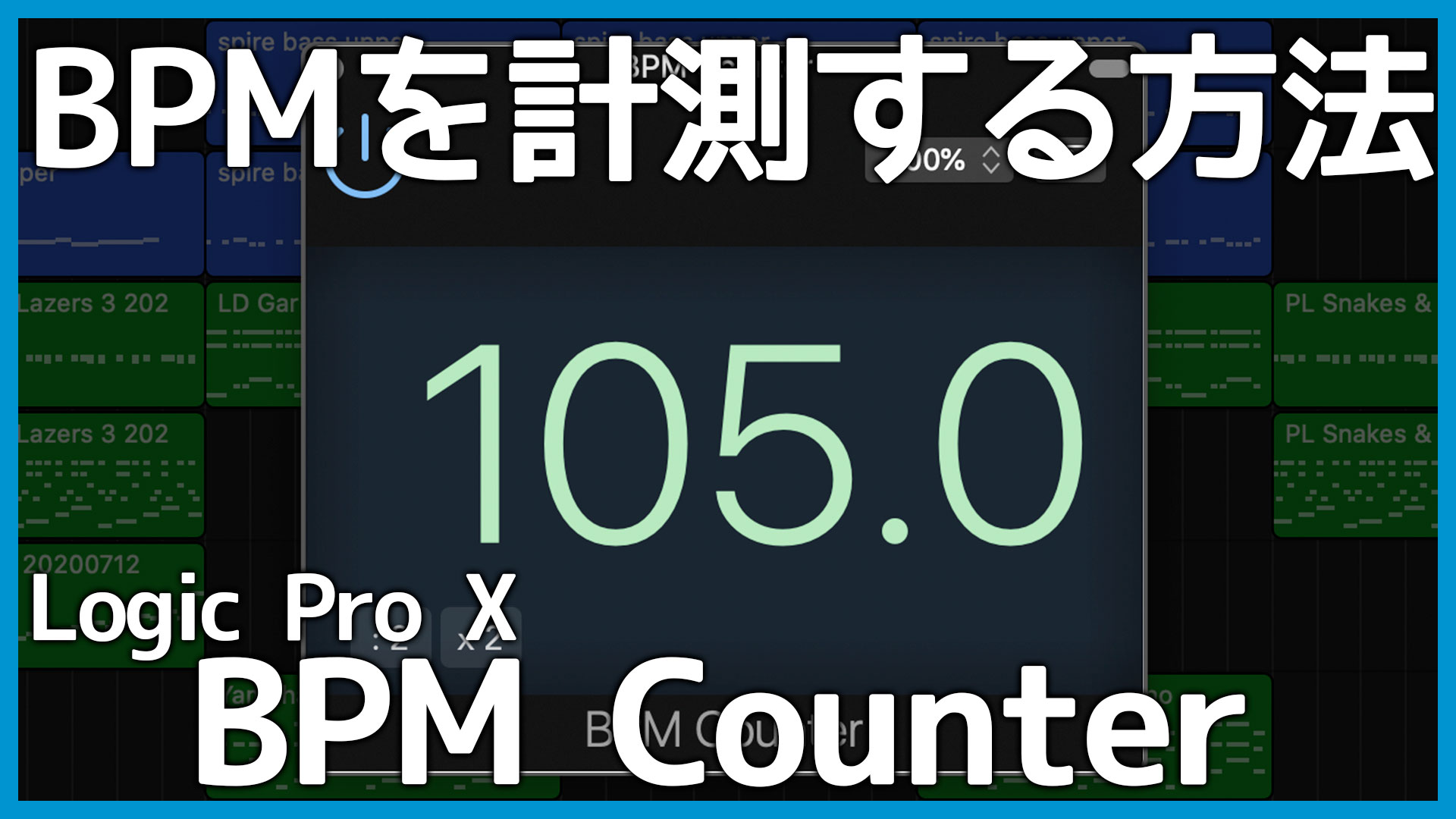
This guide explains how to measure the tempo of an audio file when you do not know its BPM.
Since I use Logic Pro, this method relies on Logic’s BPM Counter plug-in. If you use another DAW, a third-party BPM analyzer can provide a similar solution.
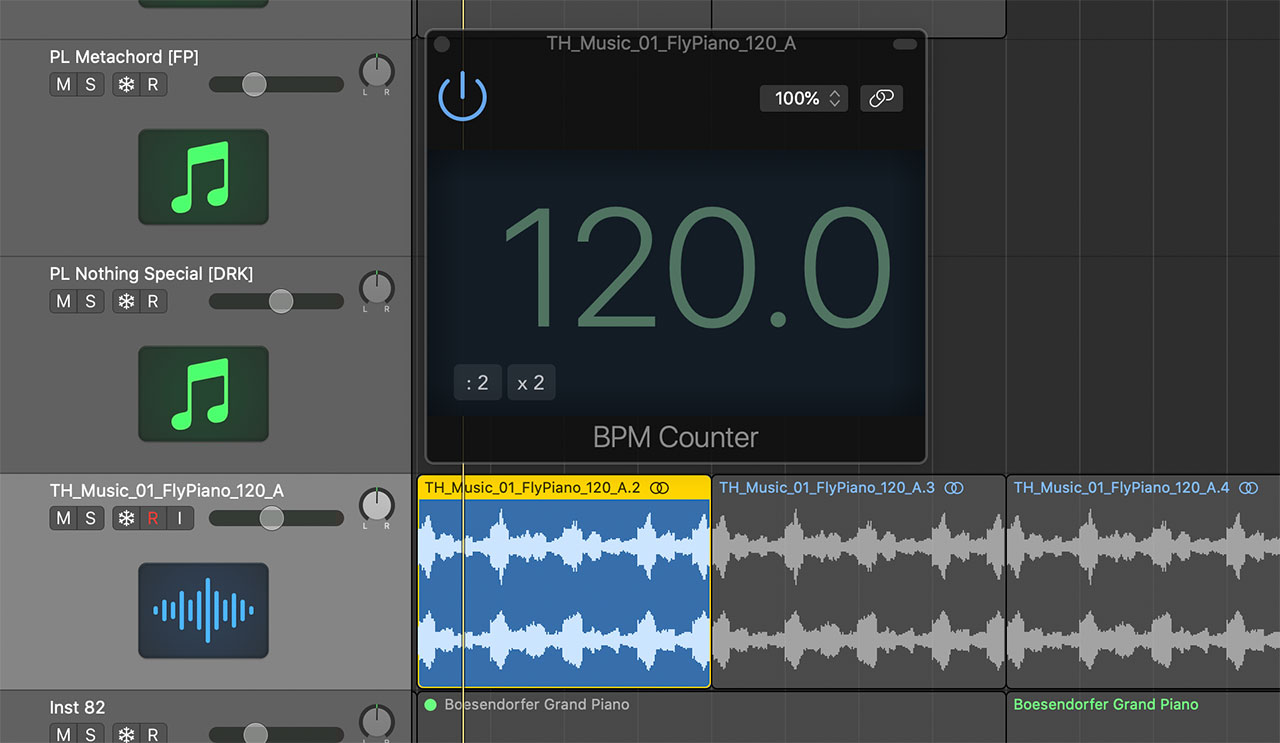
How to Use BPM Counter
BPM Counter is straightforward to use.
Insert it on the track containing the audio file you want to measure.
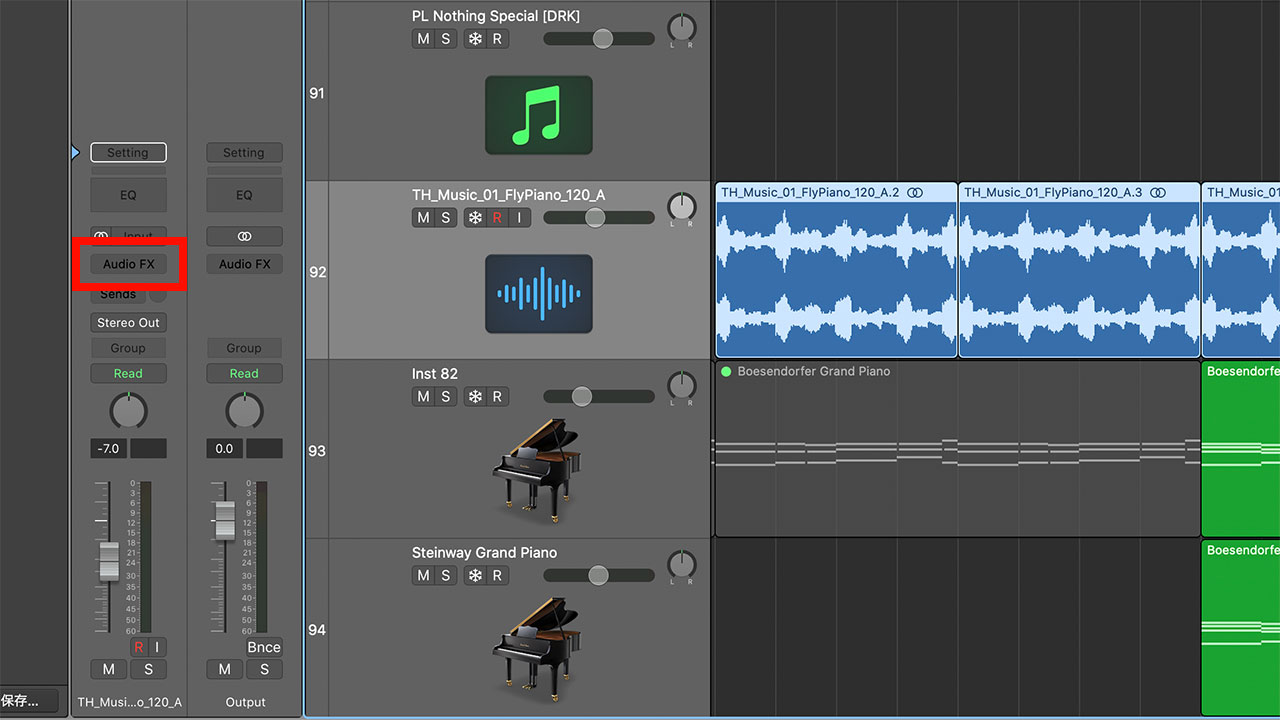
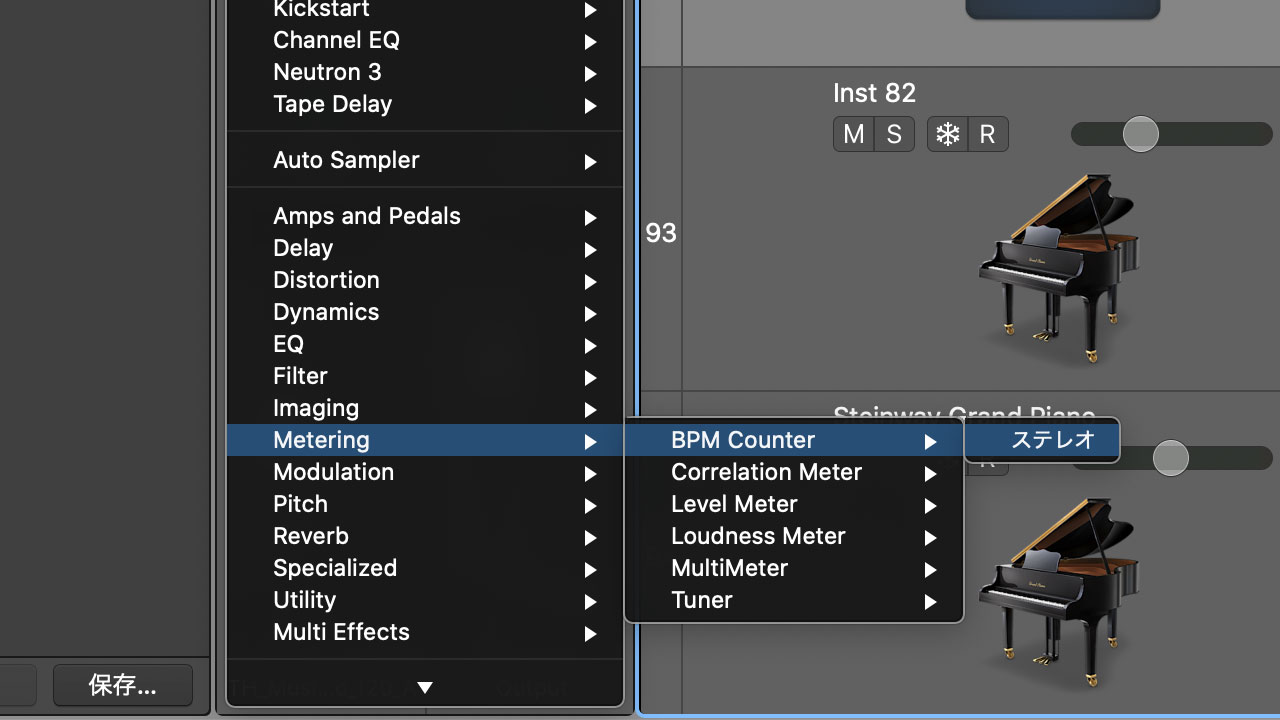
Choose BPM Counter from the Metering category.
Move the playhead to the audio and press Play.
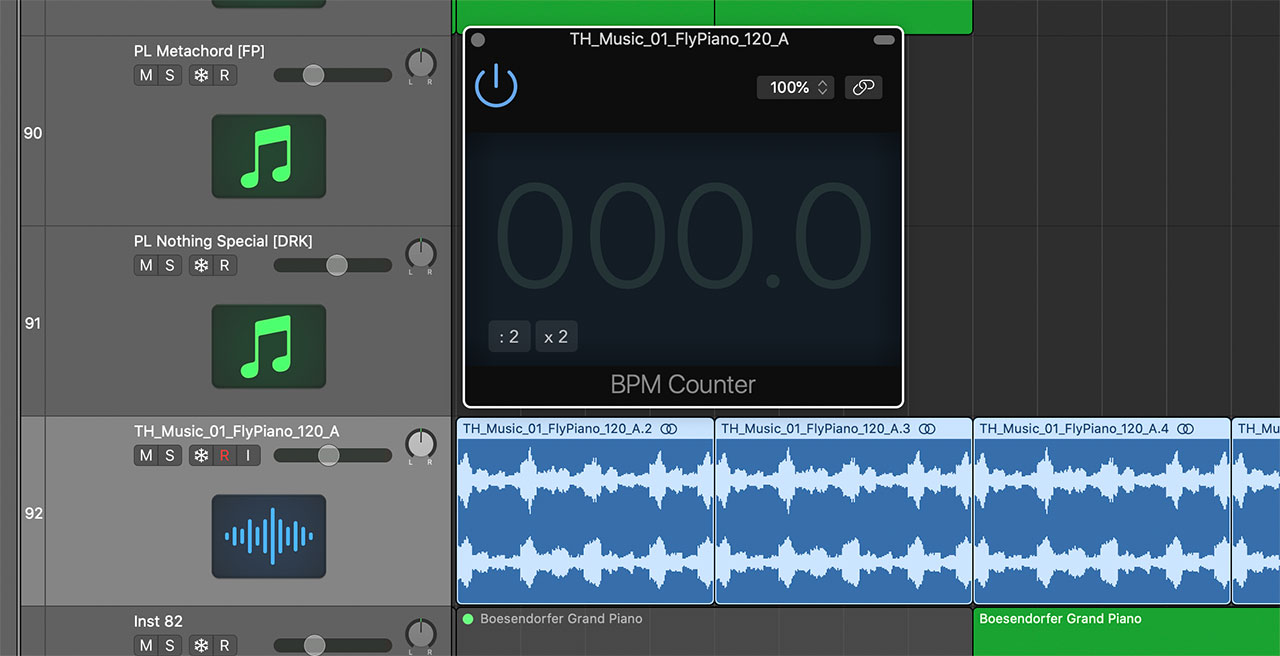
The plug-in displays the measured BPM.
Tempos Above 160 BPM May Appear at Half Speed
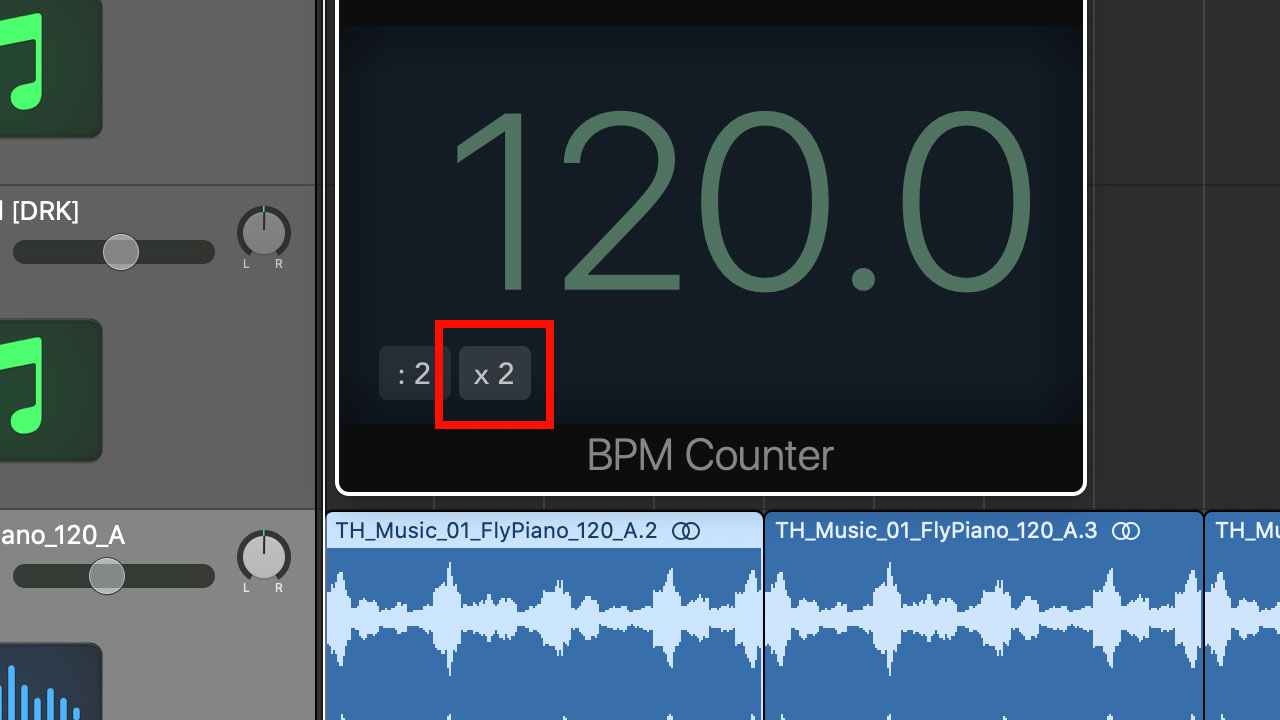
BPM Counter’s detection range is roughly 80–160 BPM. It may therefore identify a 180 BPM song as 90 BPM.
In that case, click the button that doubles the displayed BPM, or simply multiply it by two yourself.
The Tempo Metronome App
Sometimes an approximate BPM is all you need.
In those situations, I often use the iPhone app Tempo.
Tempo is a metronome with tap tempo, so you can tap along with a song to estimate its BPM.
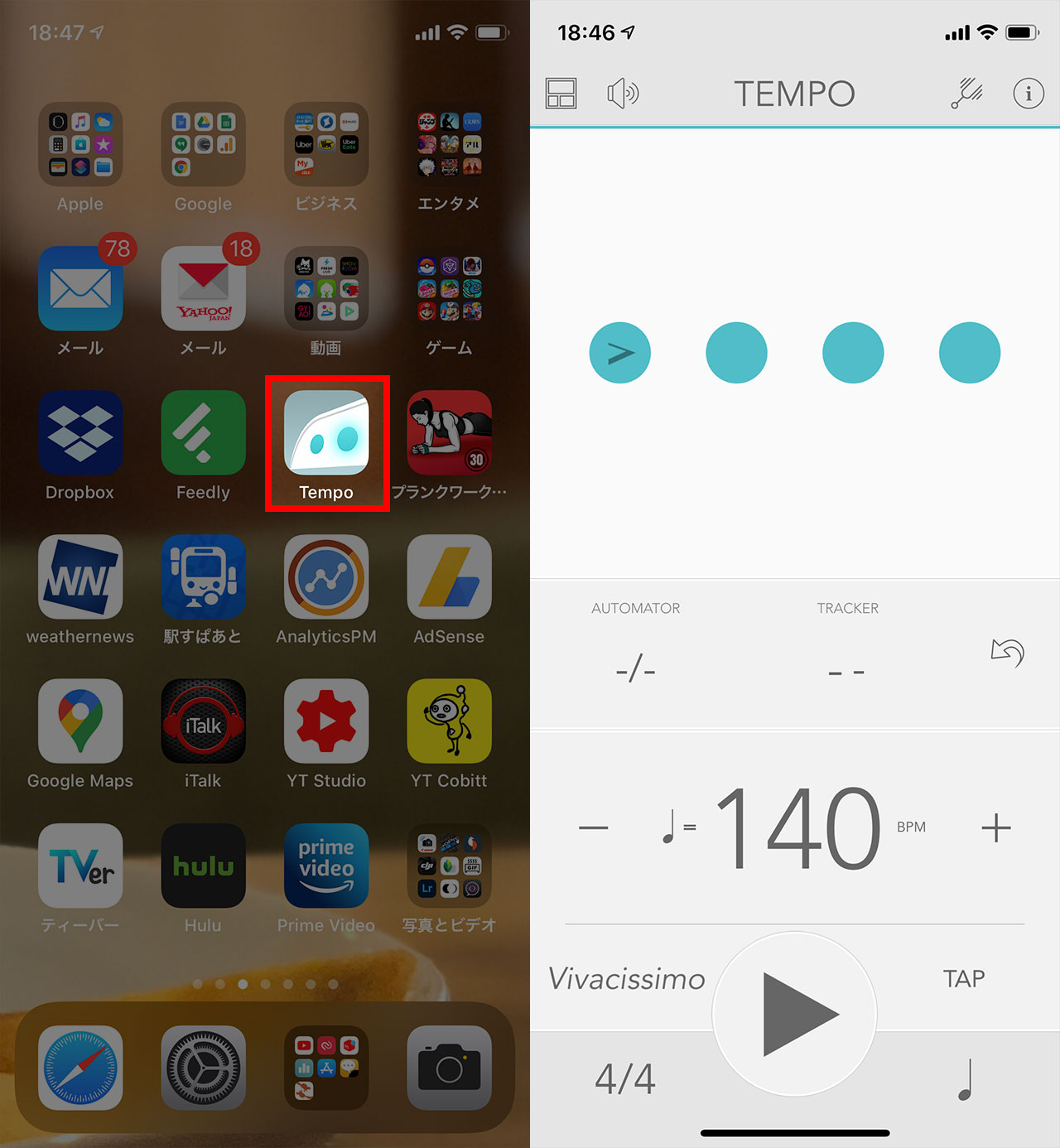
Manual tapping introduces some error, but an approximate tempo is often sufficient. This is also a useful option for people working in DAWs other than Logic.
