

When bouncing a project in Logic Pro X, you may notice a mistake just after the bounce starts. I have done this more than a few times myself.
Here is a useful way to cancel a bounce while it is in progress.
How to Cancel a Bounce
The process is simple. Just press the following key command while Logic is bouncing:
Command + . (period)
Press this shortcut once and the bounce will stop before it finishes.
This command does not actually appear in the Key Commands window. It is something of a hidden command, so unless you already know it, you will not find it anywhere in the Logic interface.
You Can Also Cancel a Freeze in Progress
As the title suggests, the same shortcut cancels not only a bounce but also a freeze operation.
Enable the Freeze button on the track you want to freeze, then press Play.
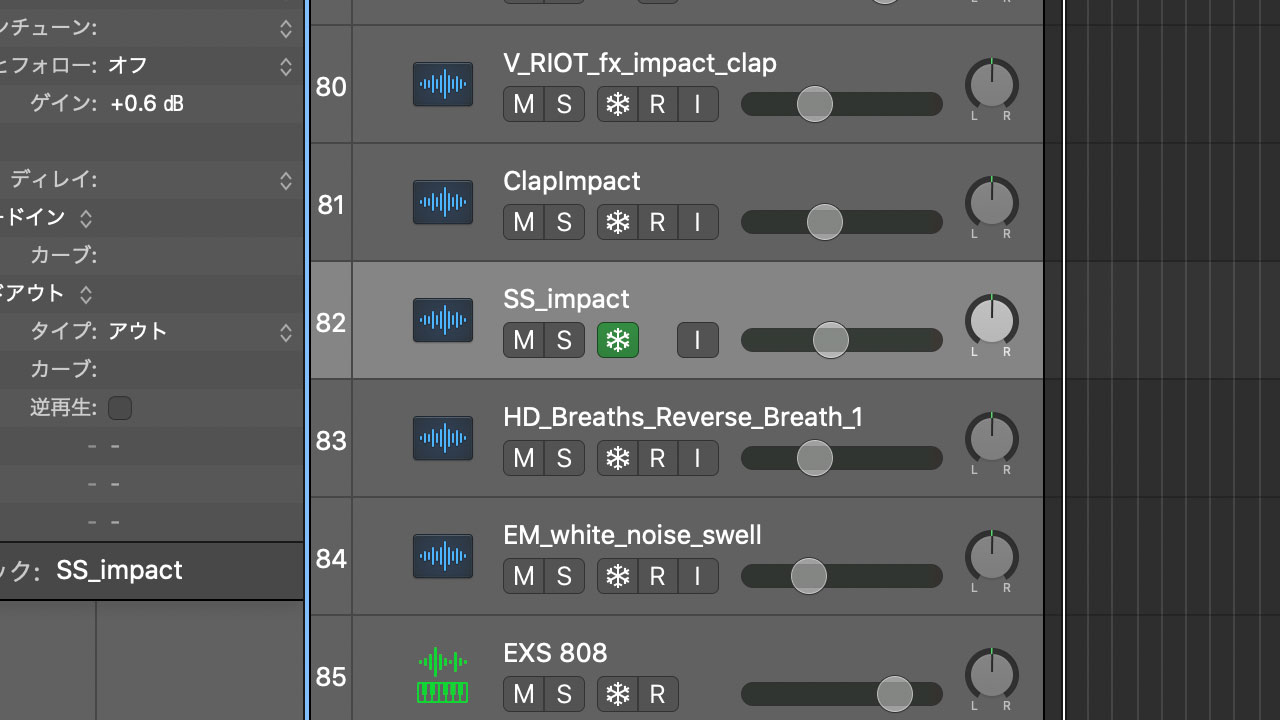
Logic will begin freezing the track. While this screen is displayed, press Command + . (period).
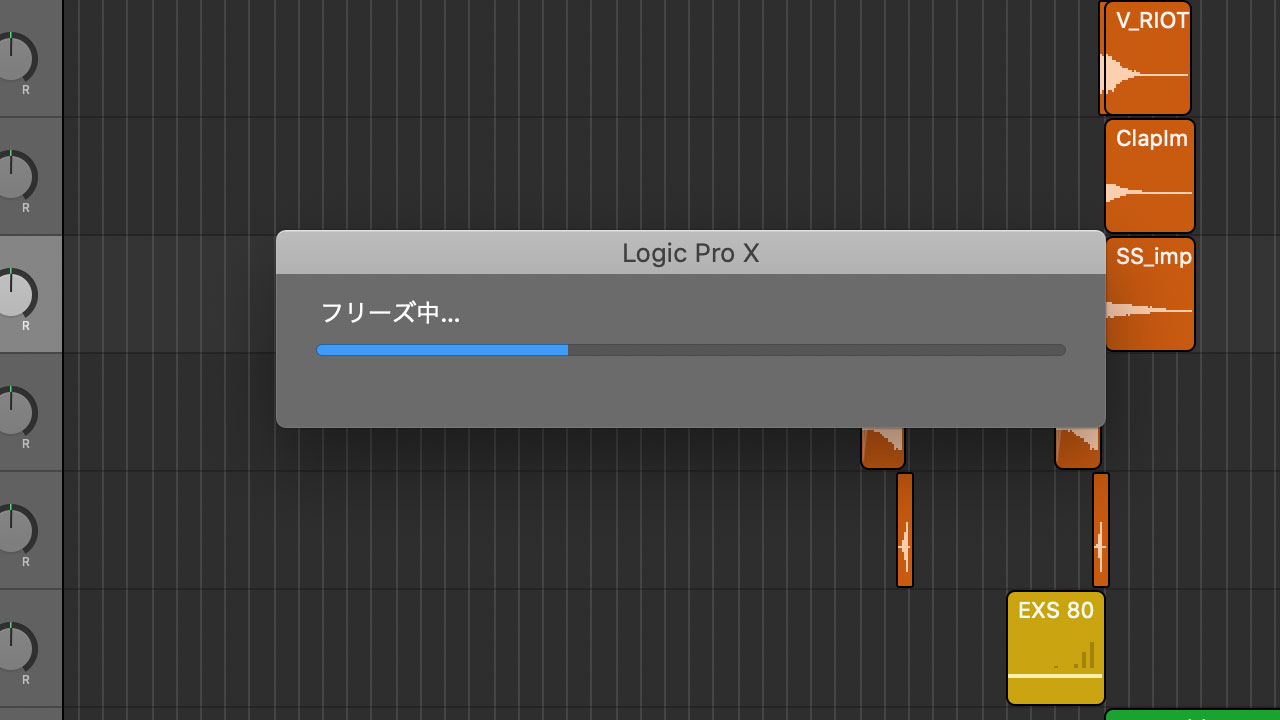
The process will stop without freezing the track.
This is useful if you accidentally selected the wrong track to freeze.
The following article explains Logic’s Freeze function in more detail.
