
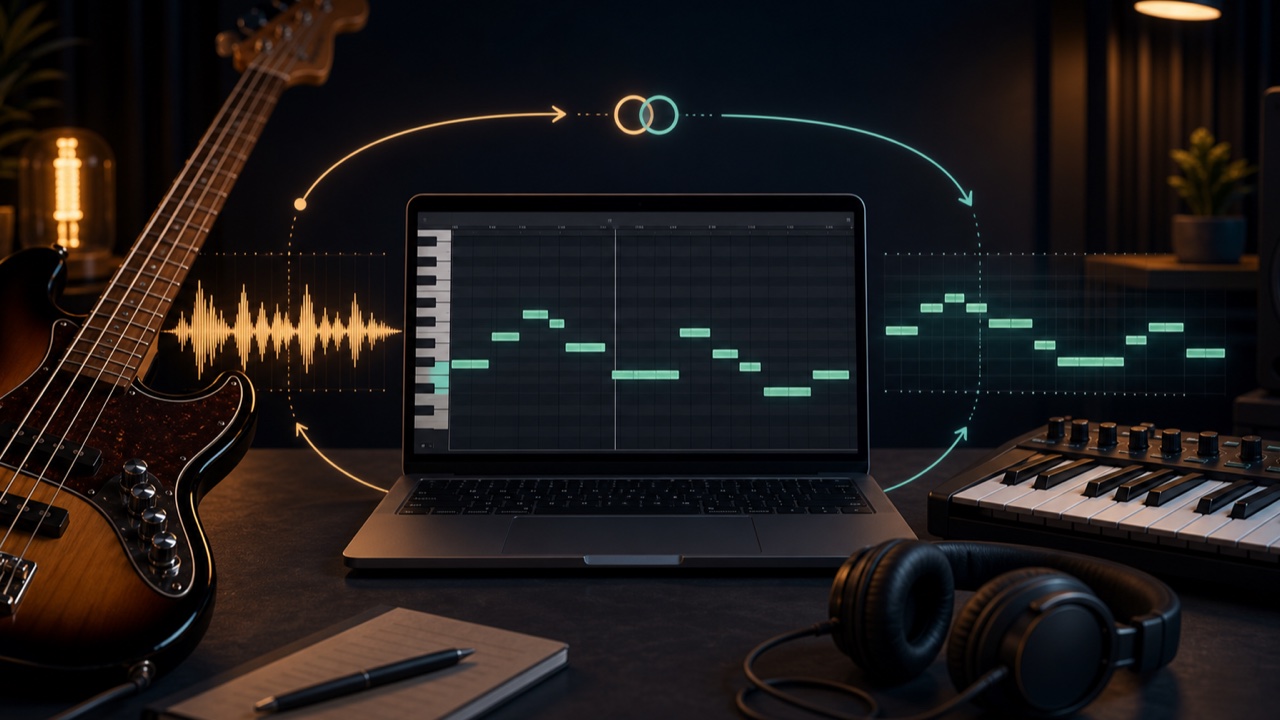
When transcribing a bass line by ear, low notes can overlap the kick and make pitch and subtle rhythms difficult to identify. You may hear the bass but remain unsure of the exact note or the point where it moves to the next one.
One helpful approach is to convert the bass to MIDI and display it in a piano roll. Instead of using MIDI only to check your work after finishing the transcription, listen to the original and examine the MIDI side by side throughout the process.
Why Bass Lines Can Be Difficult to Hear
The way low frequencies sound varies greatly between playback systems, and bass also overlaps kicks and low synthesizers. Short passing notes, slides, and ghost notes may lose their definition within a full mix.
You may also choose a note with the correct name but in the wrong octave. Rather than repeatedly guessing by ear, it is more efficient to display possible pitches and then listen closely to those specific points.
MIDI Makes Note Movement Visible
In a MIDI piano roll, the vertical axis represents pitch while the horizontal axis represents time and note duration. The display makes it easy to see whether the bass repeats one note, moves upward step by step, or makes a large leap.
Rests, differences in note length, and repeated phrases also become easier to identify. A phrase that sounded continuous by ear may turn out to be a sequence of short notes.
Use Your Ears and MIDI at the Same Time
While playing the original song, follow the MIDI notes at the same position in the piano roll. When a note raises questions, loop a short section around it and compare the suggested MIDI pitch by playing it on a keyboard or software instrument.
- For an uncertain pitch, listen to the original while playing the note suggested by the MIDI
- For an uncertain rhythm, examine note start positions and rests
- For sustained notes, check the transition to the next note in both the original and the MIDI
- For repeated phrases, listen again to determine whether later repetitions change
This is not a process of transcribing everything by ear first and then letting MIDI grade your answer. Enter the parts you can hear, use the MIDI suggestions to decide where to listen next, and keep returning to the original recording.
Convert Bass to MIDI with Tadaoto
Load a track into the bass-to-MIDI converter to isolate the bass from a full mix and convert it to MIDI. If you already have a bass-only stem, you can skip the separation step and convert it directly.
Entering the BPM makes it easier to align the MIDI with measures and beats after importing it into a DAW. If you do not know the BPM, use the BPM and Key Finder first to identify possible values.
Converted MIDI Is Not a Finished Score
AI conversion can mistake harmonics for separate pitches, miss short notes, or divide a slide into many small notes. You do not need to recreate every displayed note as though it were correct.
Use the original recording to clean up implausibly high notes, extremely short notes, and overlapping notes. Avoid excessive quantization so you preserve the performance’s feel ahead of and behind the beat.
Use an Easy-to-Hear Sound in Your DAW
Assigning the imported MIDI to a clear piano or simple bass instrument makes comparison easier. In addition to alternating between the original and the MIDI instrument, try playing both at once with the MIDI at a low level and listen for clashing pitches.
Velocity and note length will not perfectly reproduce the nuances of the original performance. Use your ears to refine the attack, duration, and rests at the end.
MIDI Does Not Replace Transcription by Ear
The purpose of the MIDI display is to add visual clues to low notes that are difficult to hear. Instead of relying only on your ears or only on the screen, use each to clarify the other’s uncertain areas and understand the bass line more quickly.
The rights governing the converted data follow those of the source recording. Do not publish or distribute MIDI made from copyrighted songs, and use it only within appropriate contexts such as transcription and analysis.
