
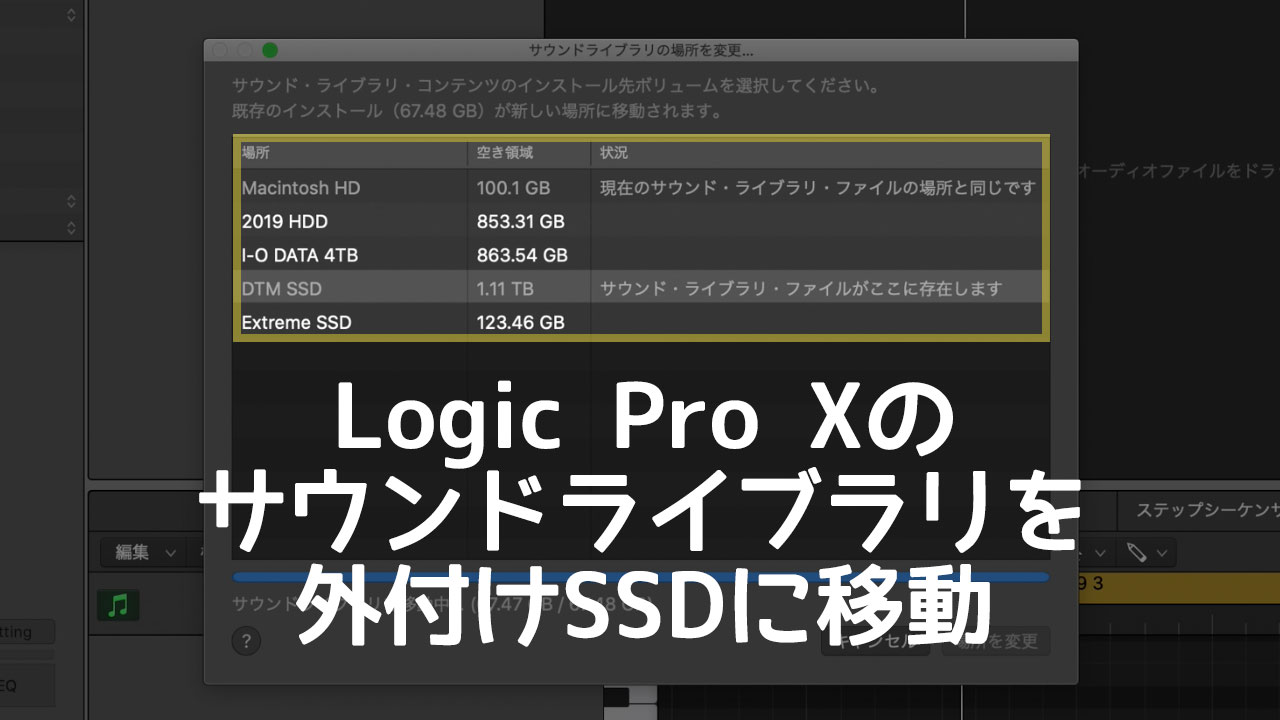
My Mac was running low on local storage, so I moved files that could be stored externally, including the Logic Pro Sound Library, to an external HDD or SSD.
This freed up more than 50 GB and made a significant difference, so I’ll explain how to move the library.
How to Move the Logic Pro Sound Library to an External Drive
Moving Logic Pro Sound Library data to an external HDD or SSD is very simple.
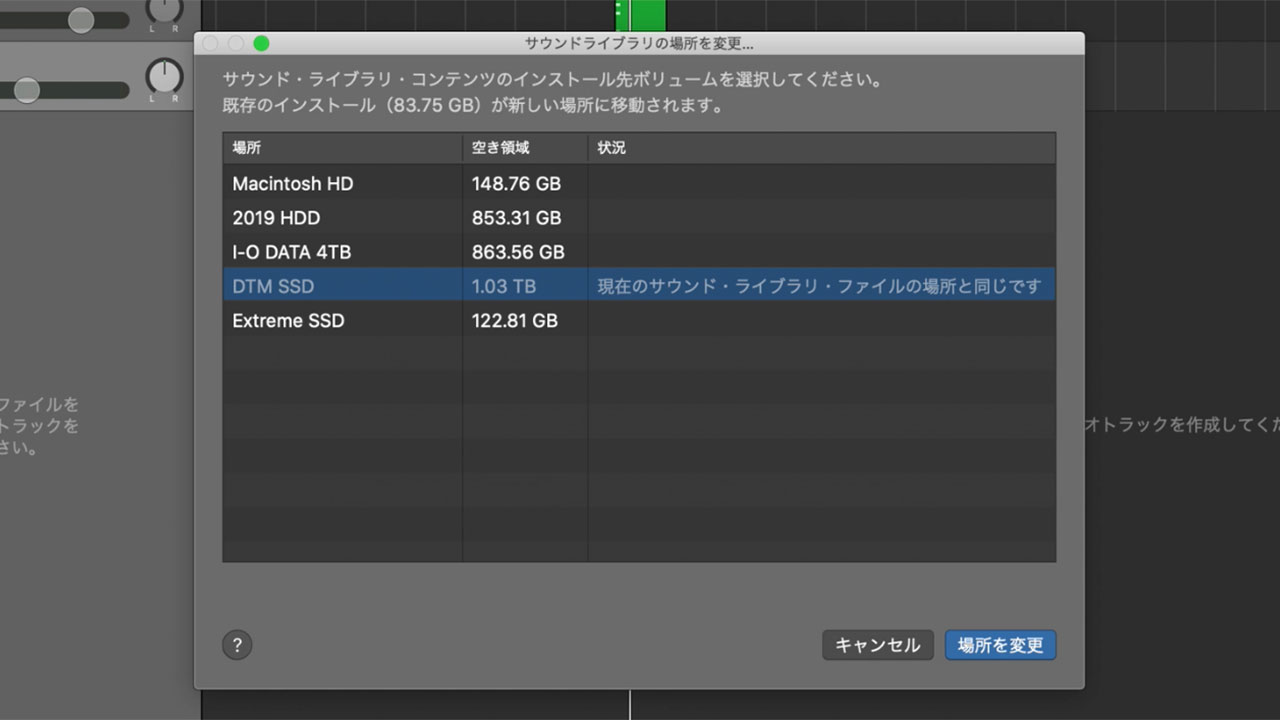
From the menu at the top of the screen, click Logic Pro > Sound Library > Relocate Sound Library.
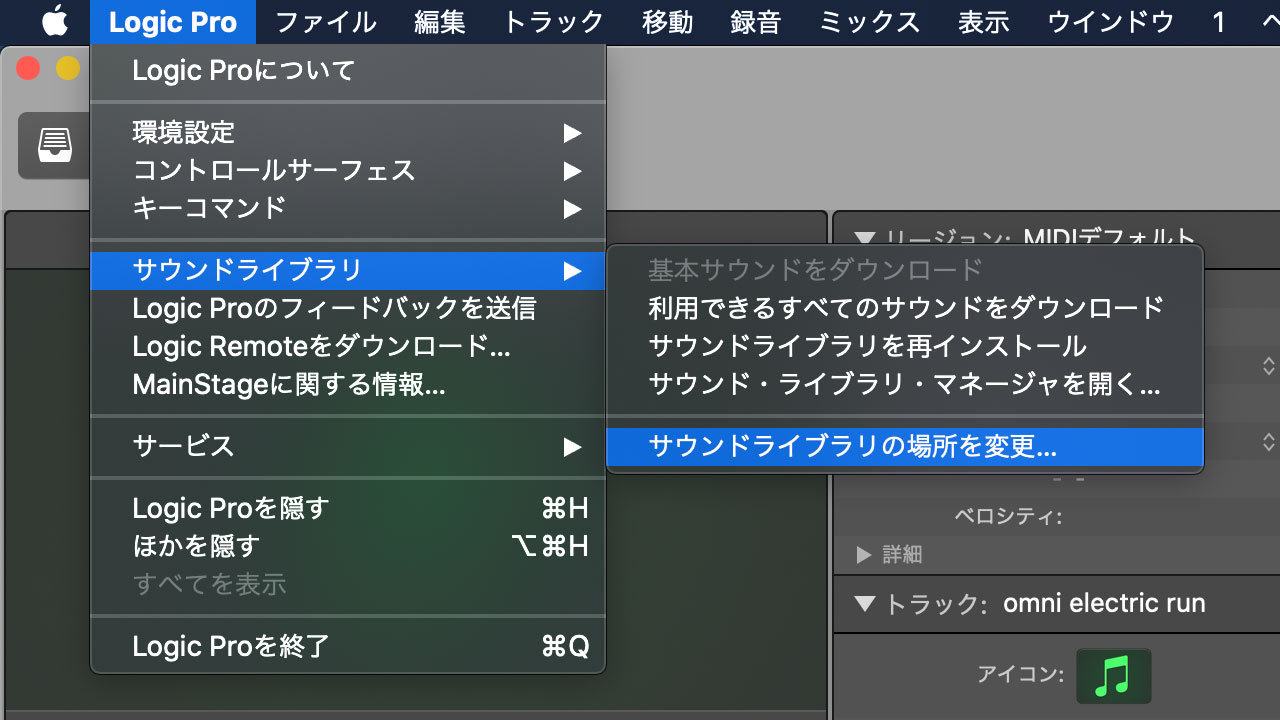
Logic displays the HDDs and SSDs connected to your Mac in addition to its local storage. If you have not prepared one yet, connect the HDD or SSD you want to use as the destination.

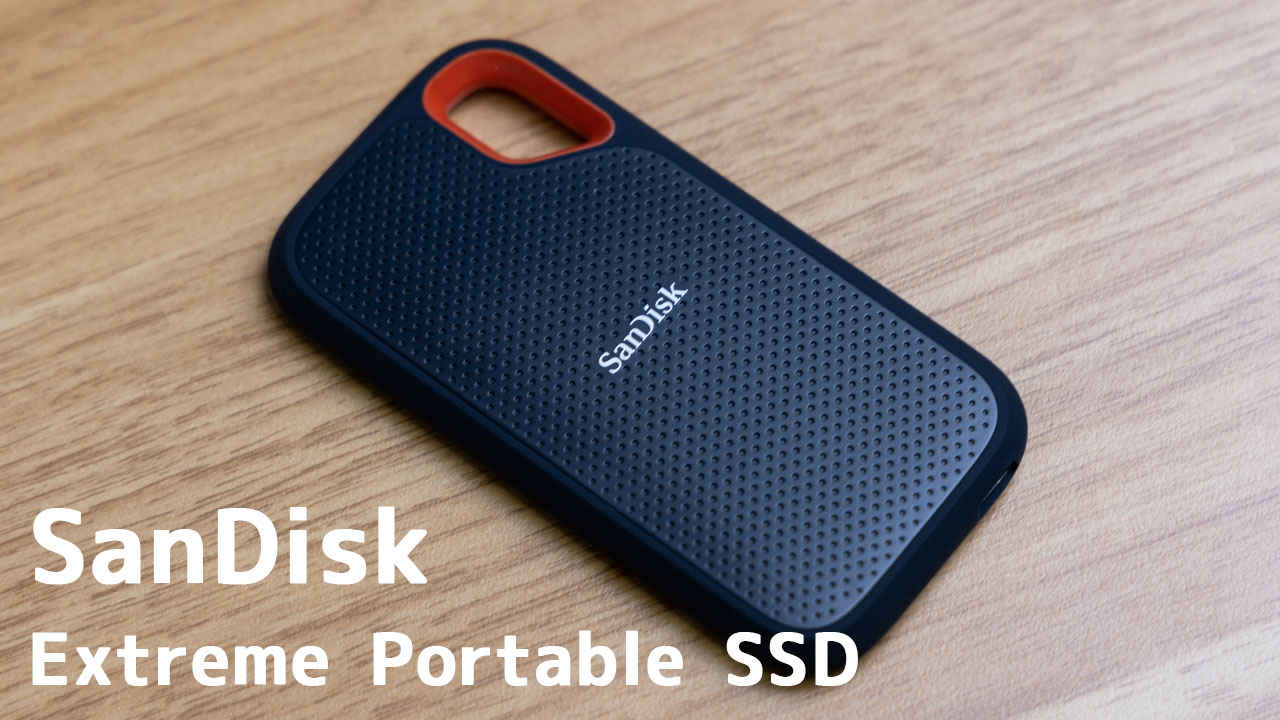
I introduced my recommended SSD in the article below: SanDisk’s Extreme Portable SSD.
In my case, I moved the library to an SSD named “DTM SSD.” As shown below, Logic reported that it would move a substantial 67.48 GB of data.
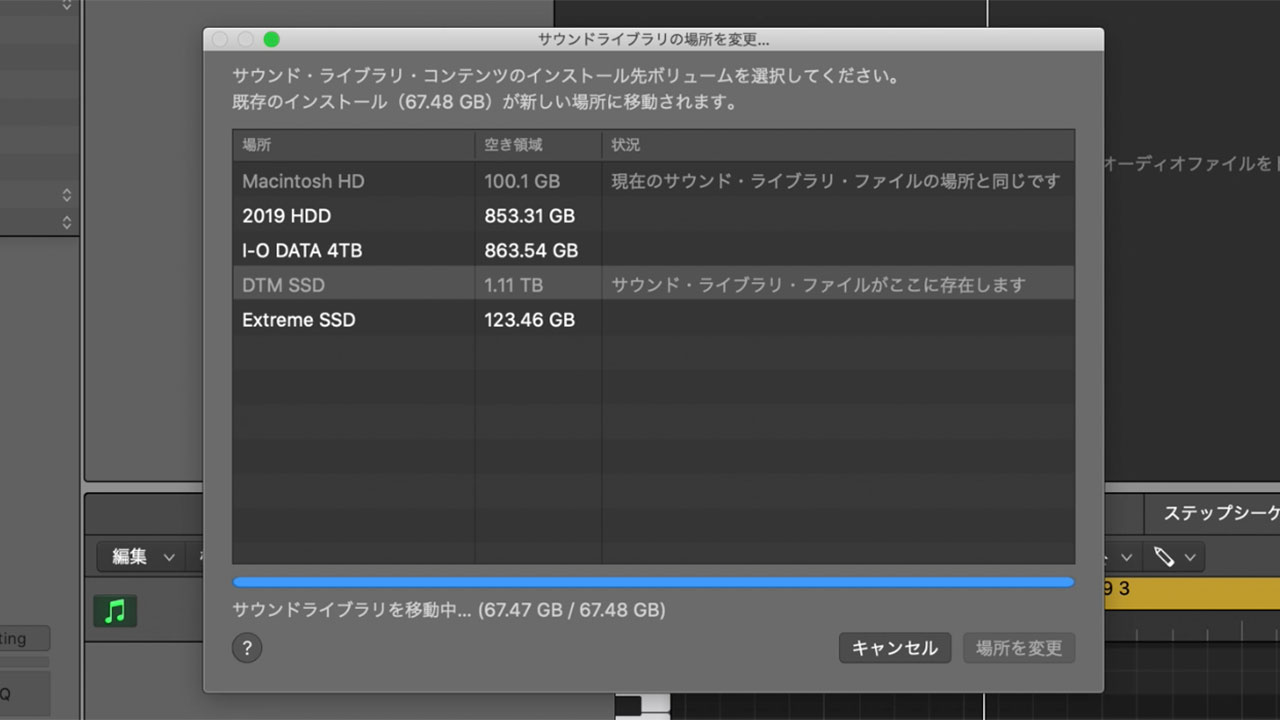
The transfer took about an hour to complete.

The amount of free space afterward suggested that the entire 67.48 GB had not actually moved for some reason, but roughly 50 GB was freed, which was good enough for me.
Most of that data apparently belonged to the “Other” category. It can be difficult to tell what macOS includes under Other storage, but Logic’s library appears to be one example.

How It Feels Compared with Keeping the Data in Local Storage
After moving the Logic Pro Sound Library to an external SSD, I noticed no difference in everyday use, probably because I chose a fast drive.
Logic’s built-in instruments may take slightly longer to open, and projects that use many stock plug-ins could possibly load more slowly, but any difference is too small for me to notice in practice.
If you are concerned about the free space on your Mac, this is worth trying.
Remember That the External Drive Must Be Connected While You Work
Once you move the data to an external HDD or SSD, the drive must remain connected for you to use Logic Pro’s built-in instruments and sounds.
That is not a problem if you carry the drive with you, but it does add some inconvenience. If your Mac still has plenty of local storage, leaving the library where it is may be the better choice.
Other Music Production Software May Also Be Consuming Local Storage
After updating plug-ins through IK Product Manager, I found leftover DMG installer files consuming tens of gigabytes of storage.
If you use IK Multimedia plug-ins, it is worth checking your Mac as well.
See the article below for instructions.
関連記事のIDを正しく入力してください