
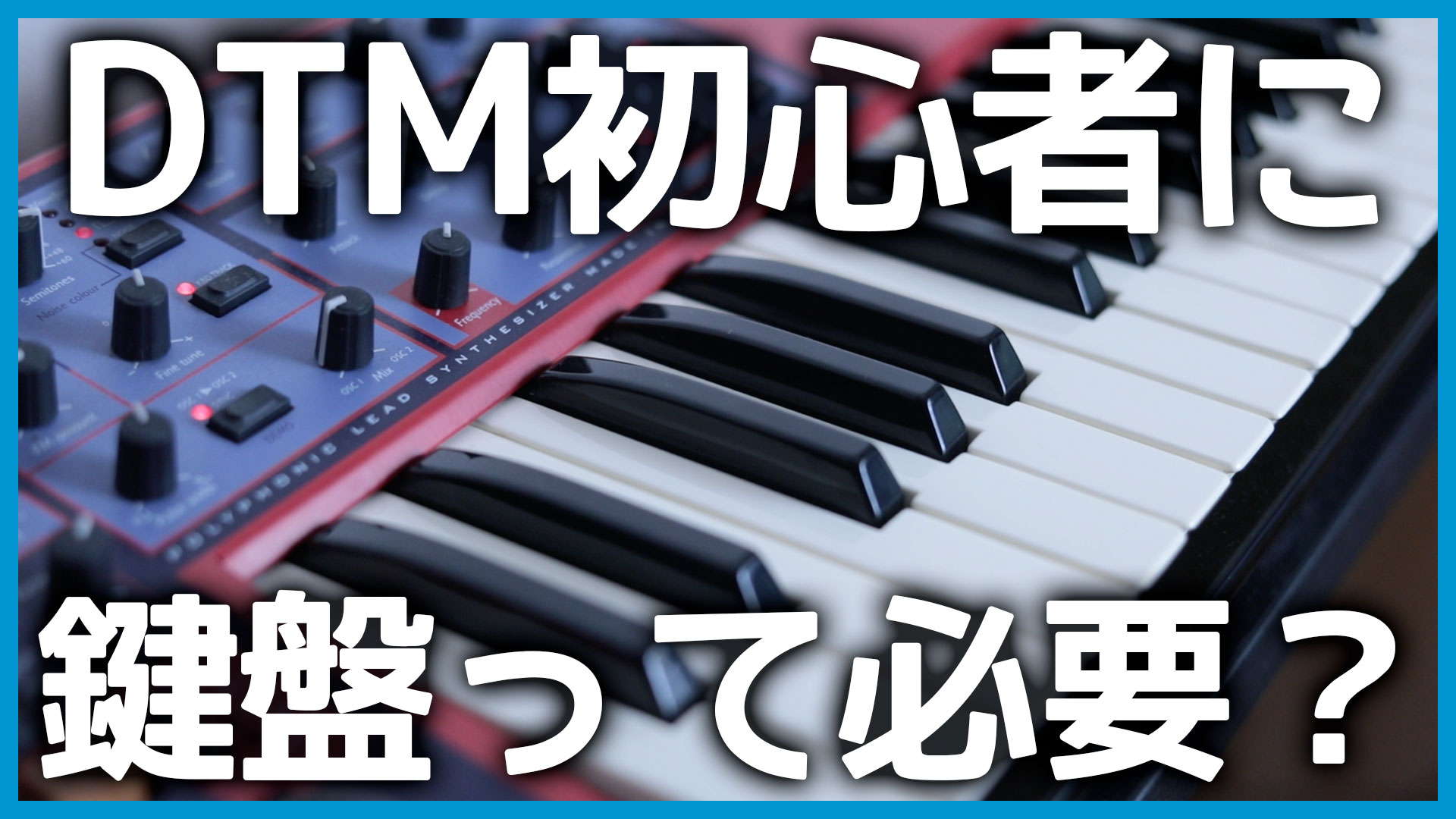
When you start producing music on a computer, one common question is whether you need a keyboard. I have summarized the situations in which I actually use one and the ways it can make production easier.
I believe a keyboard is essential for music production, so this article naturally reflects that view. Still, I hope it helps anyone who is unsure whether to buy one make a decision.
A Keyboard Improves Productivity Even If You Cannot Play Well
I am a guitarist rather than a keyboard specialist. I did take piano lessons as a child, but I was a poor student who rarely practiced, so I am not a skilled keyboard player at all.
Even so, I find that a keyboard unquestionably makes songwriting more productive. Here are a few examples.
Record a Rough Performance, Then Edit It
I often enter notes directly in the piano roll with a trackpad. That may even be how I program drums most of the time. In many situations, however, it is much easier to play a rough part on a keyboard and edit it afterward.
For example, when programming a groovy bass line, playing the part makes it easier to express both when each note starts and when it stops.
You can quantize the performance or change the note lengths afterward, and you can record one measure at a time. As long as you build the part gradually, there is no need to play it perfectly.
This is especially noticeable with piano parts. Slightly staggering the timing of notes with your fingers can be part of what makes a performance sound natural. Playing a keyboard recreates that piano-like character much more realistically than clicking notes into the piano roll one by one.

Record One Hand at a Time and Layer the Parts
You do not need to record every note at once. You can perform and layer the part over several passes.
For example, play a two-note chord with your right hand, then record a single-note left-hand part in another pass. Together, they form the complete harmony. Synth pads are easy to build this way, and the process is surprisingly quick.
Preview Synth Sounds
A keyboard is also useful simply because it lets you check sounds quickly, not just perform finished parts.
Playing preprogrammed MIDI every time you want to audition a synth patch becomes tedious. It is much easier to change sounds and play a few notes on the keyboard as you browse.
Even if you never use it to record MIDI, having a small keyboard within reach can be worthwhile purely for auditioning sounds.
What Kind of Keyboard Should You Buy?
Almost any keyboard will work at first, but there are a few factors worth considering.
Choose More Keys If Your Room Has the Space
If you only plan to layer short performances or audition sounds, you may think you need very few keys. In practice, having more keys is more convenient.
I use a 49-key keyboard, and while auditioning sounds I often want to hear another octave above the available range.
Balance your budget against the space in your room, but choosing a reasonably wide keyboard is less likely to leave you with regrets.
USB Connection or MIDI Cables
Many recent keyboards work as soon as you connect them directly to a computer over USB. With one of these models, you do not even need an audio interface or separate MIDI interface.
A USB keyboard is especially convenient if you want to compose in a café with only a Mac and a mini keyboard.
On the other hand, it occupies one of your USB ports, so having traditional MIDI IN and OUT connections as well provides more flexibility.
Choose 88 Keys If You Need a Heavier, Piano-Like Action
This article is aimed at producers who cannot already play the keyboard, so relatively few readers may need this. If you want the heavier feel of an acoustic piano, choose an 88-key keyboard.
Some 76-key models now offer a heavier action as well, but in that case, I recommend trying the actual instrument before buying it.
A heavier action makes it easier to add expressive nuance, but it also makes the instrument significantly heavier. Keep portability in mind if you plan to use the keyboard at live performances too.
