
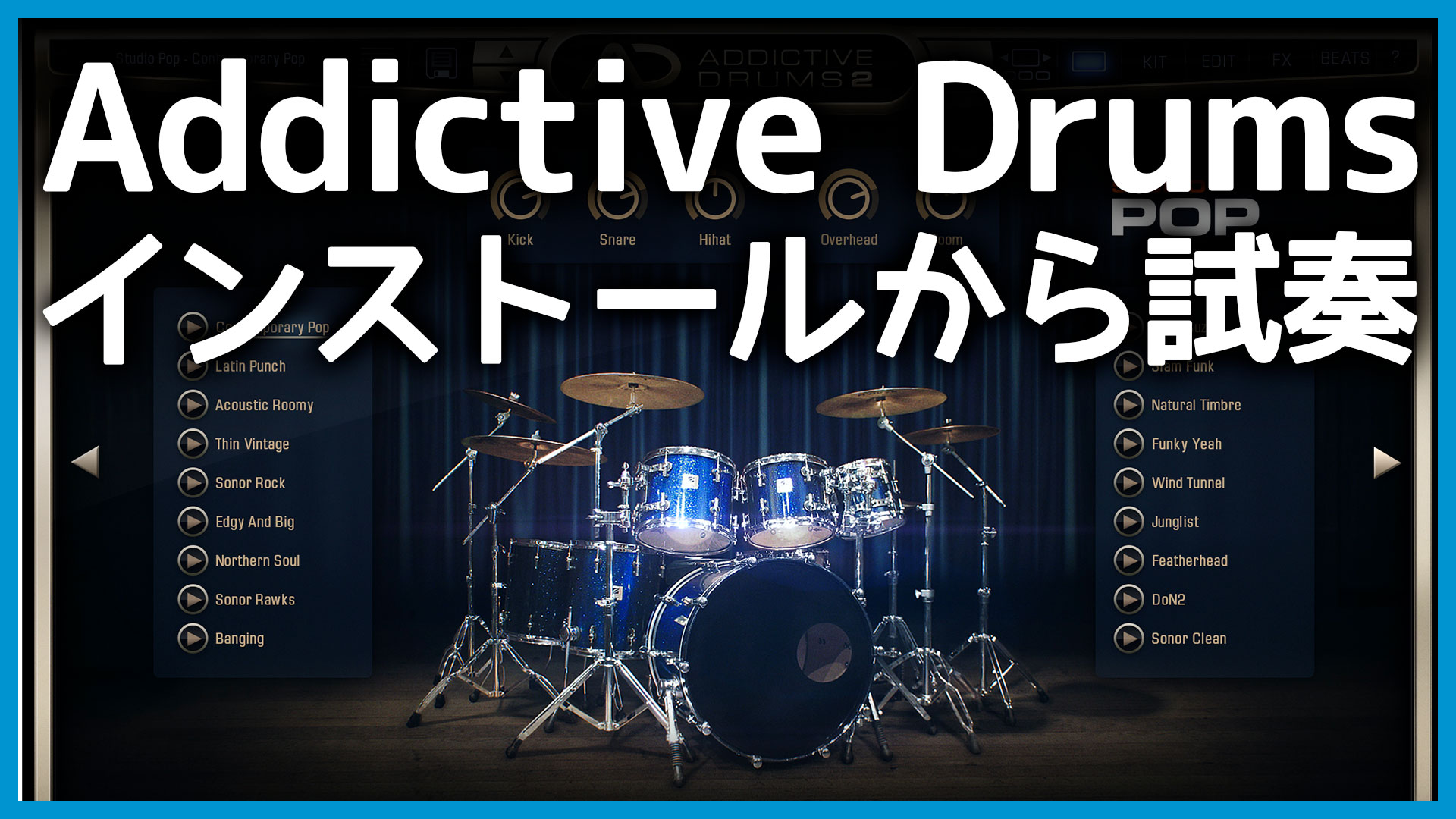
I bought the Addictive Drums 2 Custom drum instrument.
Addictive Drums 2 comes in several bundles, and Custom is one of the most flexible because it lets you choose three drum kits.
The Addictive Drums 2 drum kits are called “ADpaks.” This guide explains how to install the software and choose them.
Install Just One ADpak from Addictive Drums 2 Custom
First, purchase Addictive Drums 2 Custom. I bought it from Plugin Boutique because keeping my purchases there makes them easy to manage.
Here is the Plugin Boutique page.

After your purchase, the serial number appears in your Plugin Boutique account. You can also install the software from there and follow a link to the installation instructions.

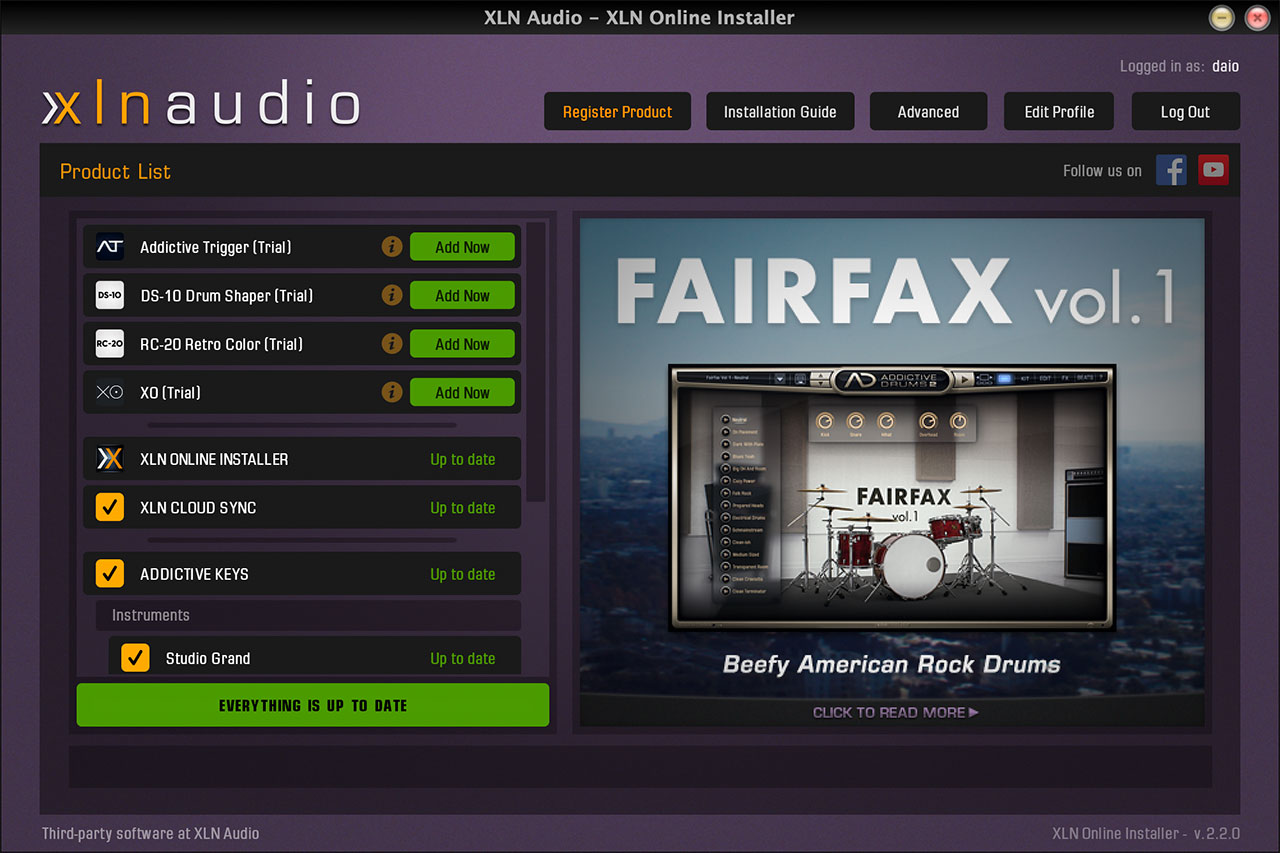
You can download the dedicated XLN Online Installer for Addictive Drums from Plugin Boutique and use it to install the plug-in. Start by selecting “Register Product” at the top to activate it.
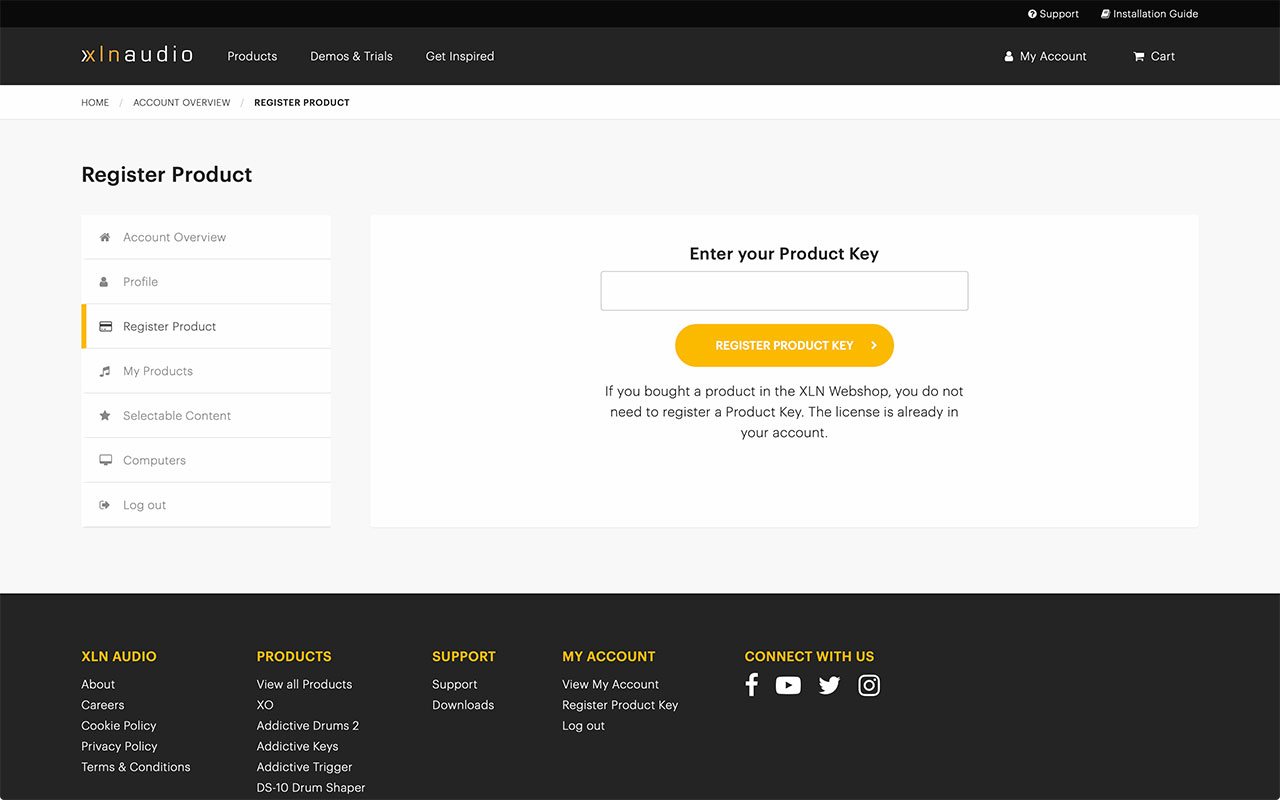
The following page will open. Enter the serial number from your Plugin Boutique account.
Select “Selectable Content” from the menu on the left, then choose the ADpaks and other content you want. You must select at least one ADpak here.
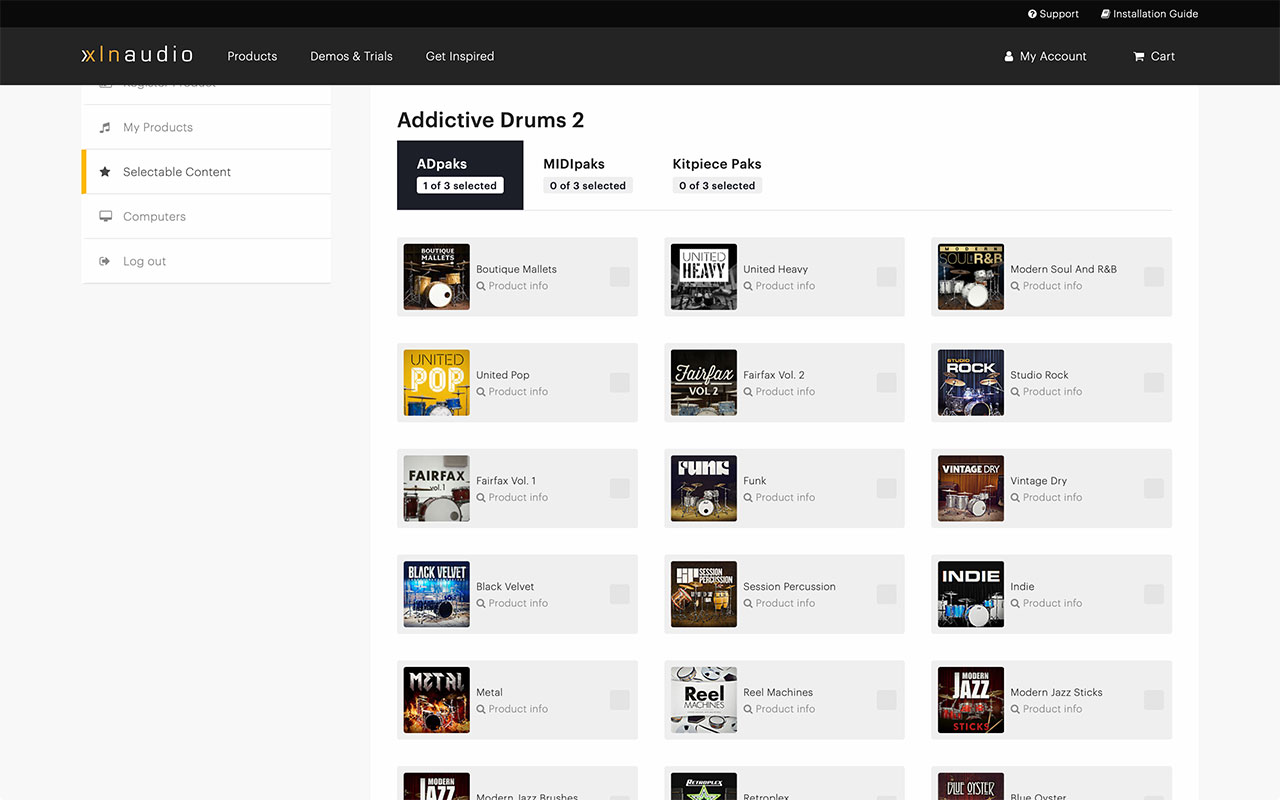
In other words, even though Addictive Drums 2 Custom lets you choose three ADpaks, you do not have to pick all three right away. Once you choose the first one, you can take your time deciding on the other two.
When you have reached this point, return to XLN Online Installer, install Addictive Drums 2, and restart your Mac.
Download One ADpak and Preview the Others in the App
You can, of course, preview ADpaks on YouTube or the official Addictive Drums website. Once Addictive Drums is installed, however, you can also audition them directly in the app.
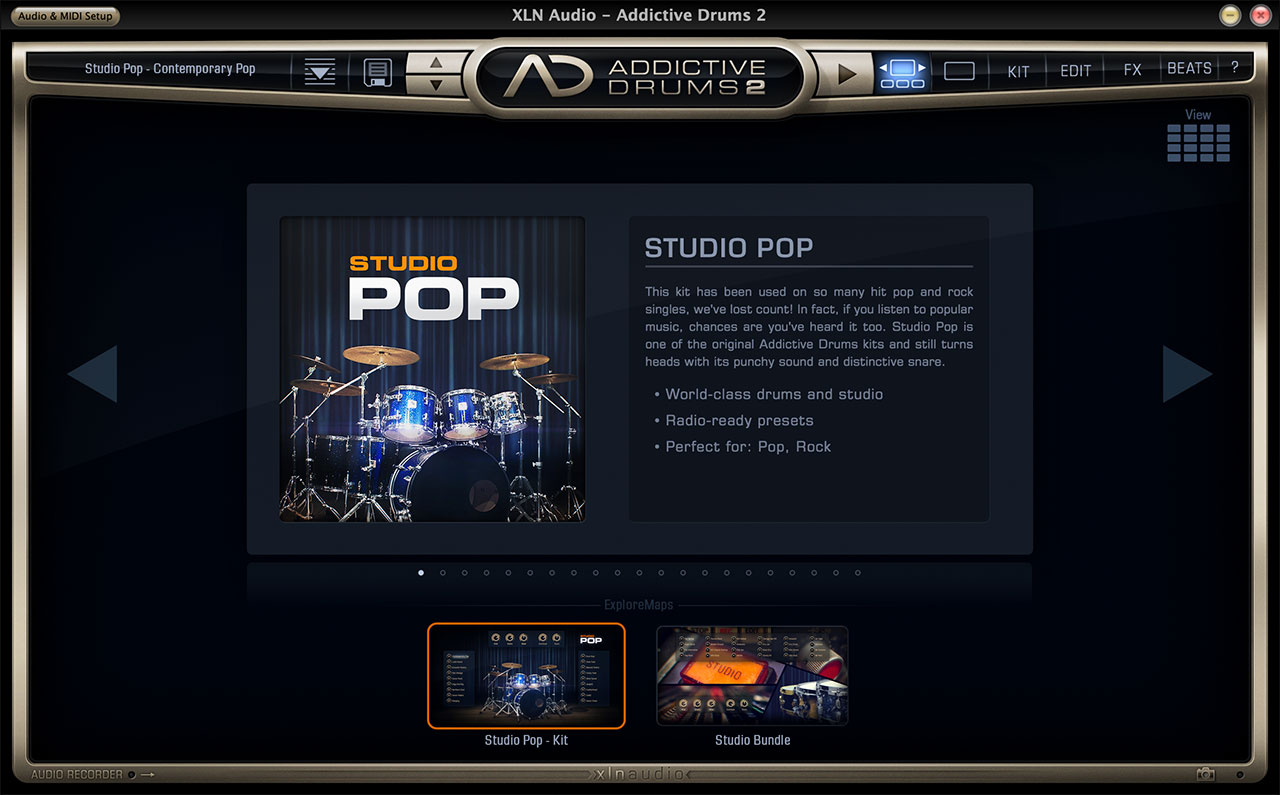
This is the Addictive Drums interface, showing the Studio Pop ADpak I selected. Since this is an ADpak I purchased, I can use it in my DAW as is.
This is Fairfax Vol. 1, an ADpak I had not purchased yet. Its presets appear in a list on the left, and you can click the play button to hear a sample.
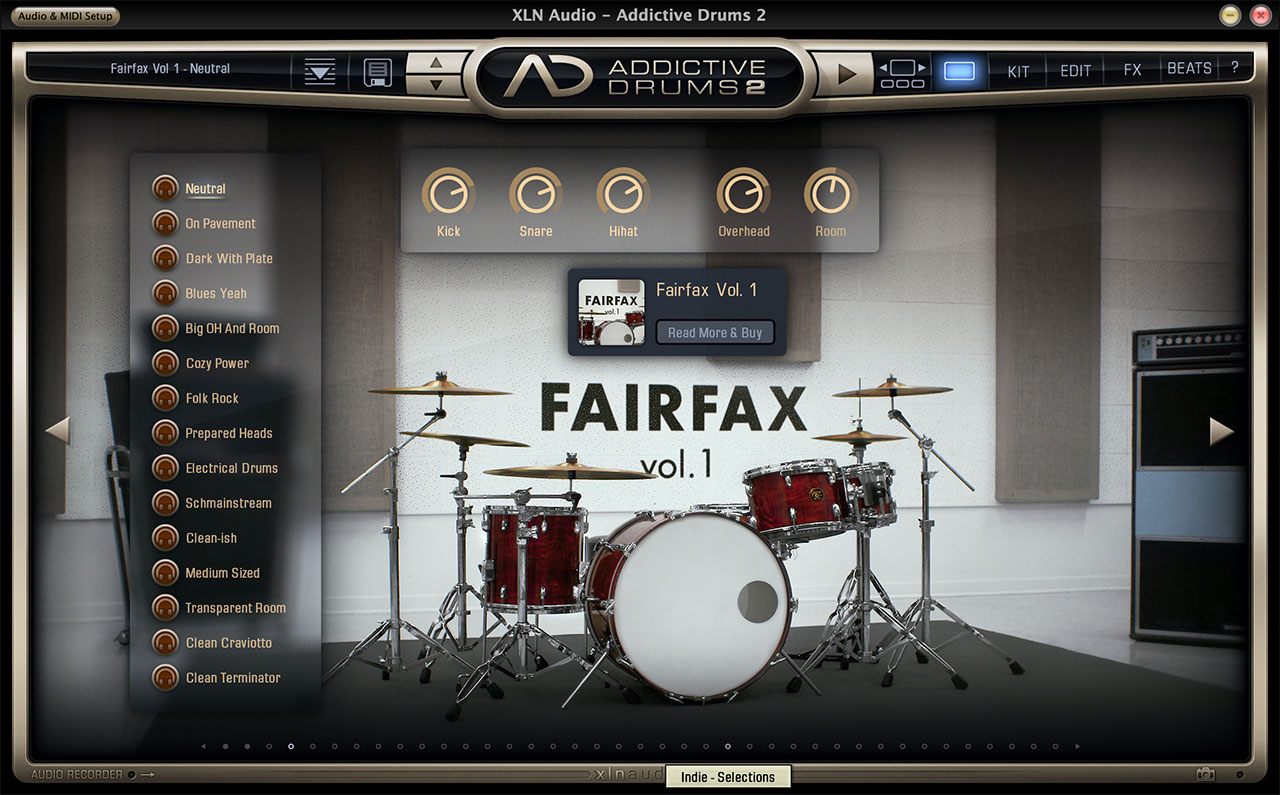
This preview feature gives you plenty of time to compare ADpaks before making your choices.
You Can Choose MIDIpak and Kitpiece Pak Content Later Too
Just like the ADpak drum kits, you can choose your MIDIpak and Kitpiece Pak content later.
You do not have to select everything when you make your purchase, so it is fine to claim each item when you actually need it.
Kitpiece Paks are especially useful because they let you add individual drums such as snares and kicks. A good approach is to start with your ADpaks, then add any pieces you feel are missing.
